You spot a bug at 4:47pm on a Friday. The Slack message from your PM says the client demo is in an hour and checkout is broken. You open DevTools, but half the state that triggered the problem is already gone. You refresh. The bug doesn't come back.
A Chrome extension changes that equation. One click, before the page reloads - and you have the console errors, the failing network requests, the exact sequence of user actions, and a full environment snapshot. The developer gets everything without a single back-and-forth message.
But not every extension delivers the same quality of capture. Some give you a screenshot and a short clip. A few capture the full technical context. Only one formats that context for your AI coding tool. This guide covers the 8 best Chrome extensions for bug reporting in 2026 - what each one captures, who it's built for, and when it's the wrong choice for your workflow.
| Tool | Best for | Pricing | Free tier | Dev context | AI-ready |
|---|---|---|---|---|---|
| PlayLog | Dev + AI workflows | Free + $19/mo | ✓ | Full | Yes |
| Jam.dev | Developer bug reports | Free + $14/seat/mo | ✓ | Full | No |
| BetterBugs | Retroactive capture | Free + $3/seat/mo | ✓ | Full | Partial |
| Marker.io | Visual feedback / UAT | From $39/mo | ✗ | Basic | No |
| BugHerd | Agency client feedback | From $33/mo | ✗ | Basic | No |
| Userback | Bug + user research | From $49/mo | ✗ | Basic | No |
| Disbug | Narrated walkthroughs | Free + paid | ✓ | Partial | No |
| Bugasura | Unlimited free team | Free forever | ✓ | Partial | Partial |
 PlayLogOur Pick5.0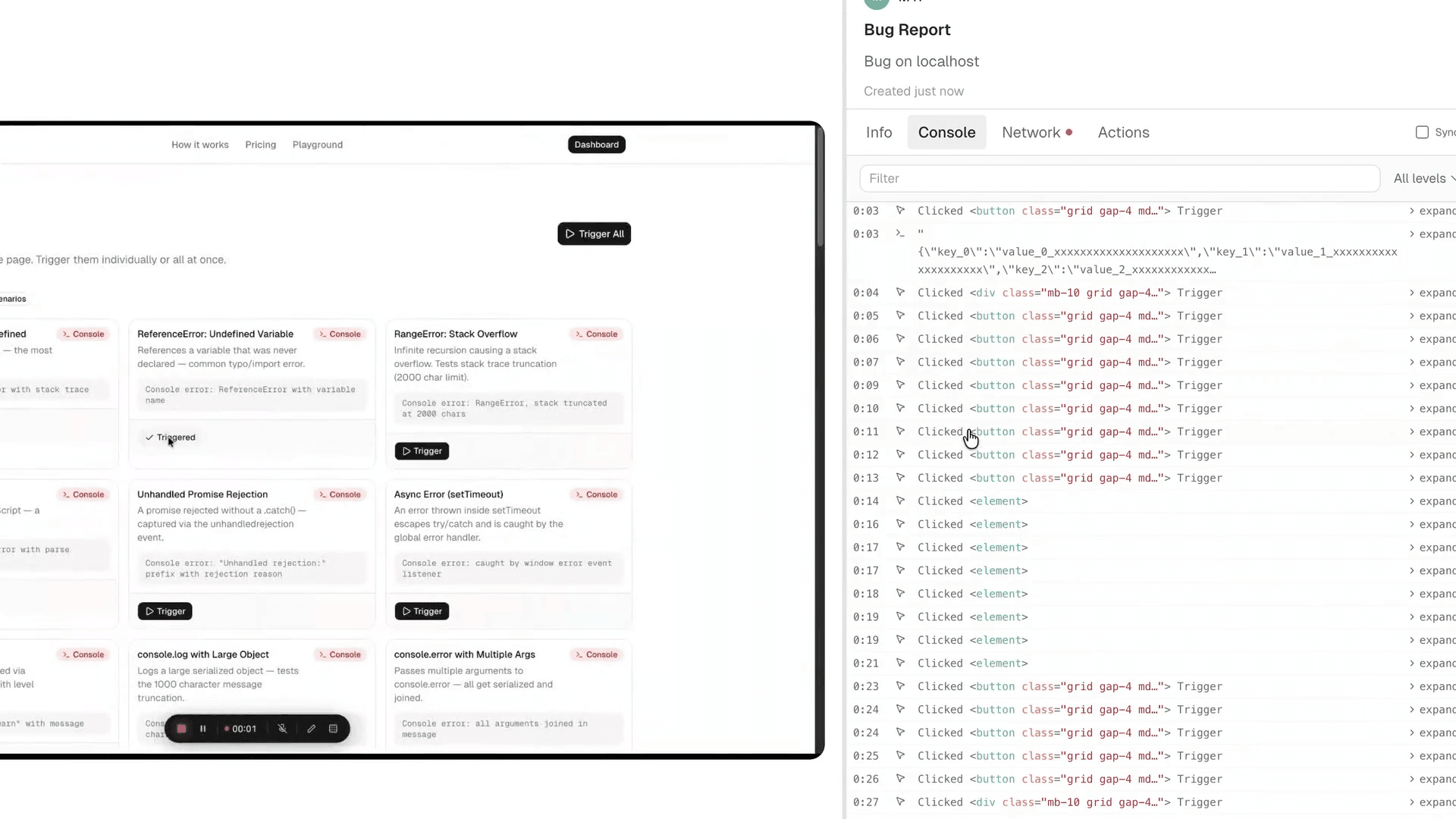
Every other extension on this list captures what went wrong. PlayLog does something different: it writes the fix prompt for you.
Press record, reproduce the bug, stop. One button copies everything - user actions with timestamps, console logs, network requests, the exact page state at the moment of failure, OS, browser version, window size - as structured markdown to your clipboard. Paste it into Cursor, Claude, or GitHub Copilot. The AI has full context and returns a fix. No reformatting. No writing reproduction steps by hand. No chasing the user for information two days later.
For QA engineers: PlayLog captures more per report than almost any other Chrome extension. Every click is timestamped. Every network call is logged. The session replay shows what the user actually did, not what they remember doing when they filed the ticket. Zero SDK installation means you can test any website - staging, production, third-party tools - without waiting for engineering to add a script.
For developers: The AI-ready markdown output removes you as the translation layer between a vague report and your coding tool. Normally you read a report, mentally reconstruct the context, then describe it to your AI tool. PlayLog collapses those three steps into a single paste.
For PMs and engineering managers: PlayLog charges per session, not per seat. A 20-person team pays the same as a 5-person team if the usage is identical. Most competitors - including Jam.dev at $14 per creator seat per month - charge for headcount, not usage. At $19/month for 200 sessions, PlayLog is predictable regardless of how many people are on the team.
Most bug reporting tools were built for a world where developers manually read logs and wrote reproduction steps. PlayLog was built for a world where you paste a bug into an AI and get a fix back. That's a workflow difference, not a checklist difference.
Honest weaknesses: PlayLog is a Chrome extension - it doesn't cover mobile app bugs. If you debug iOS or Android crashes, you'll need a tool with a mobile SDK.
Your team uses AI tools like Cursor or Claude to fix code. You want zero-setup bug capture that works on any website immediately. Per-session pricing fits your usage better than per-seat. You're spending too much time translating vague bug reports into something actionable.
 Jam.devTier 14.1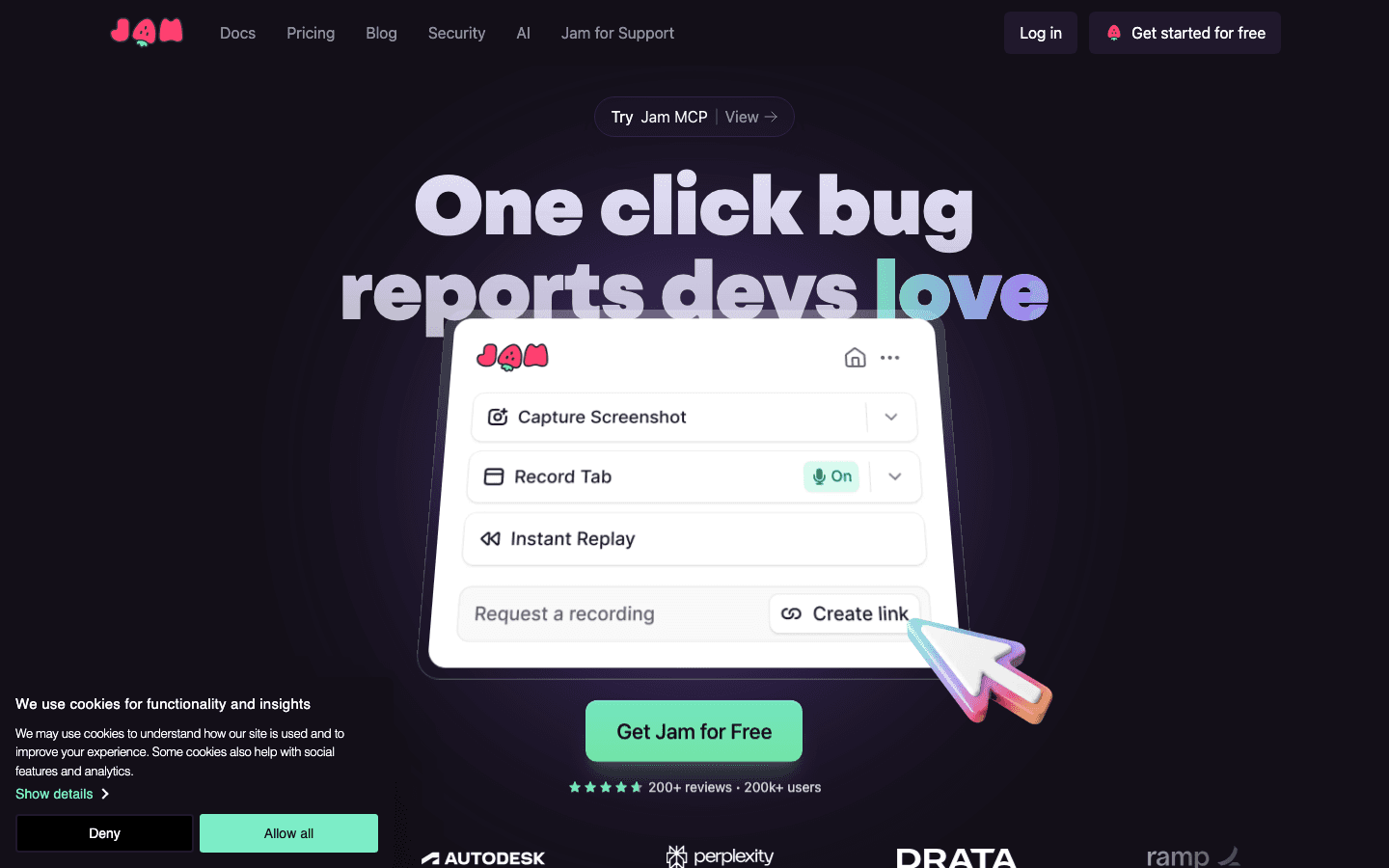
Jam is the most-installed bug reporting Chrome extension for a reason: it's fast, the reports are developer-ready, and the free tier is generous enough to start without a conversation with finance.
One click captures a screen recording alongside automatically collected console logs, network requests, device info, and user actions. Developers get a Jam link, click it, and see a full replay. The experience is clean, the capture is comprehensive, and the integration list covers almost every tool teams use - Jira, GitHub, Linear, Slack, Notion, Intercom.
The limitation is pricing. At $14/user/month for the team plan, a 10-person team costs $1,680 per year, every year, regardless of how many bugs they actually file. Half your team filing one bug per quarter still costs full price. For high-volume QA teams that use it daily, the per-seat math works. For mixed teams where only a few people file bugs regularly, it doesn't.
Jam also doesn't output a structured format for AI tools. Reports are human-readable links - clean for developers to review, but not formatted for pasting directly into Cursor or Claude. That's fine for teams without AI-heavy workflows, and a real gap for teams that are building that way.
Teams that want the most battle-tested Chrome extension with broad integration support. Developers who want a clean replay experience and file bugs frequently enough to justify per-seat pricing.
Teams where only a few people file bugs regularly - per-seat pricing hurts here. Teams using AI dev tools that want structured, paste-ready output.
 BetterBugsTier 1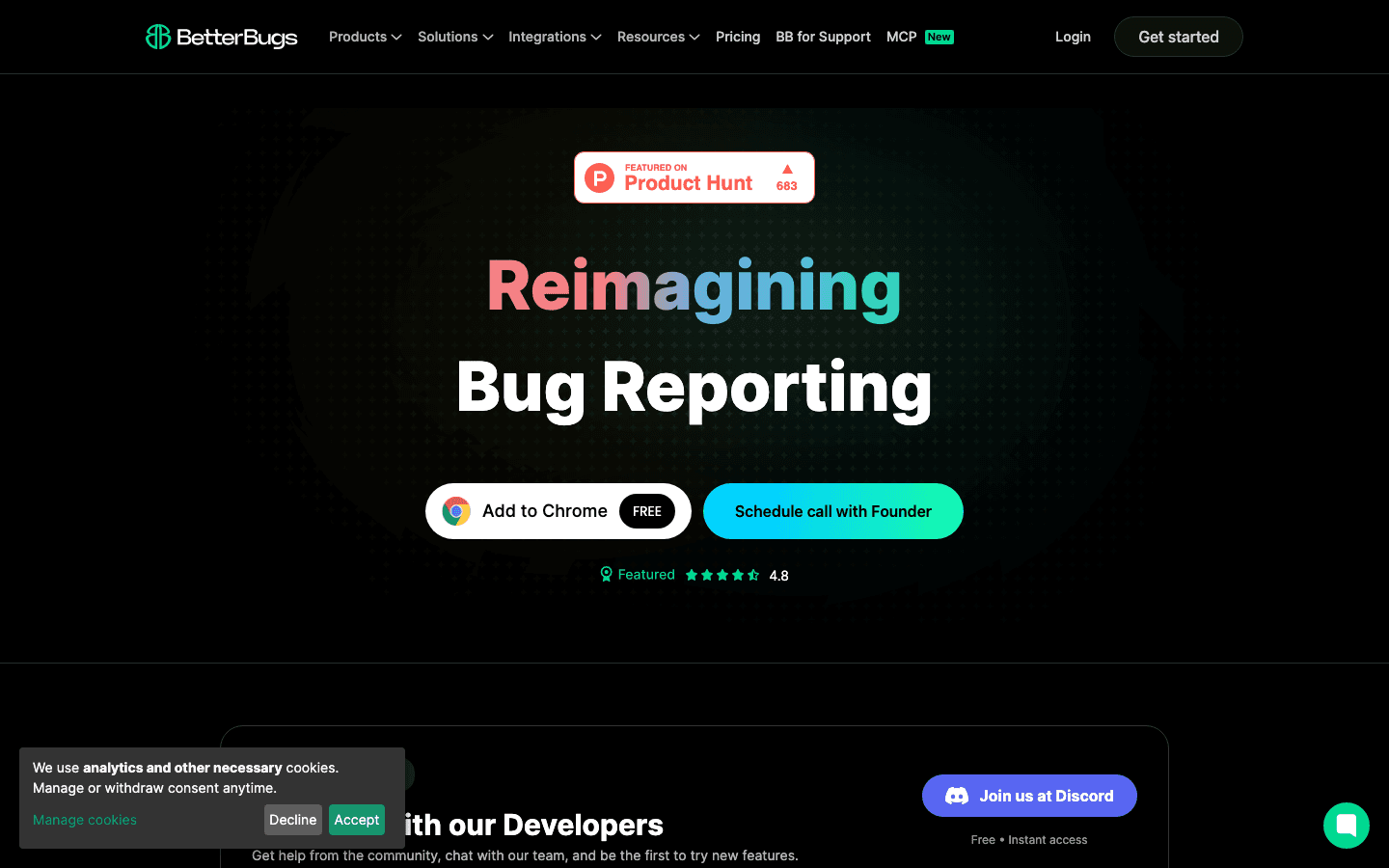
BetterBugs has one feature no other extension on this list offers: Rewind. Instead of remembering to click record before reproducing a bug, you can capture the last two minutes of browser activity retroactively. A bug appeared during exploration? During a demo? Click Rewind and the context is already there.
That single feature earns it a real place in QA workflows. Bugs don't schedule themselves. They happen during exploratory sessions, edge cases you weren't expecting, and demos where nobody thought to start recording. Rewind removes the dependency on foresight.
The AI assistant generates reproduction steps automatically and runs diagnostic summaries on each report. It's useful - particularly for QA engineers who spend significant time writing structured repro steps. The output is a human-readable summary, not a prompt-ready format, so it doesn't give you the direct paste-into-Cursor workflow that PlayLog does. It's AI-assisted writing, not AI-ready output.
Capture is comprehensive: console logs including errors, warnings, and network errors, plus full network request capture, are included on all tiers. Integrations cover Jira (with two-way sync on paid tiers), GitHub, Linear, ClickUp, Asana, Trello, Slack, and MS Teams.
Pricing is the most aggressive on this list. The free tier covers three users and 50 recording links per month - enough for a small team to evaluate properly. Paid tiers start at $3/user/month, lower than any per-seat competitor here.
QA engineers doing exploratory testing where bugs appear without warning. Teams that want AI-assisted reproduction steps. Small teams that need a serious tool on a tight budget.
Teams that need AI-ready structured output for developer tools. Teams larger than three users on the free tier.
 Marker.ioTier 14.7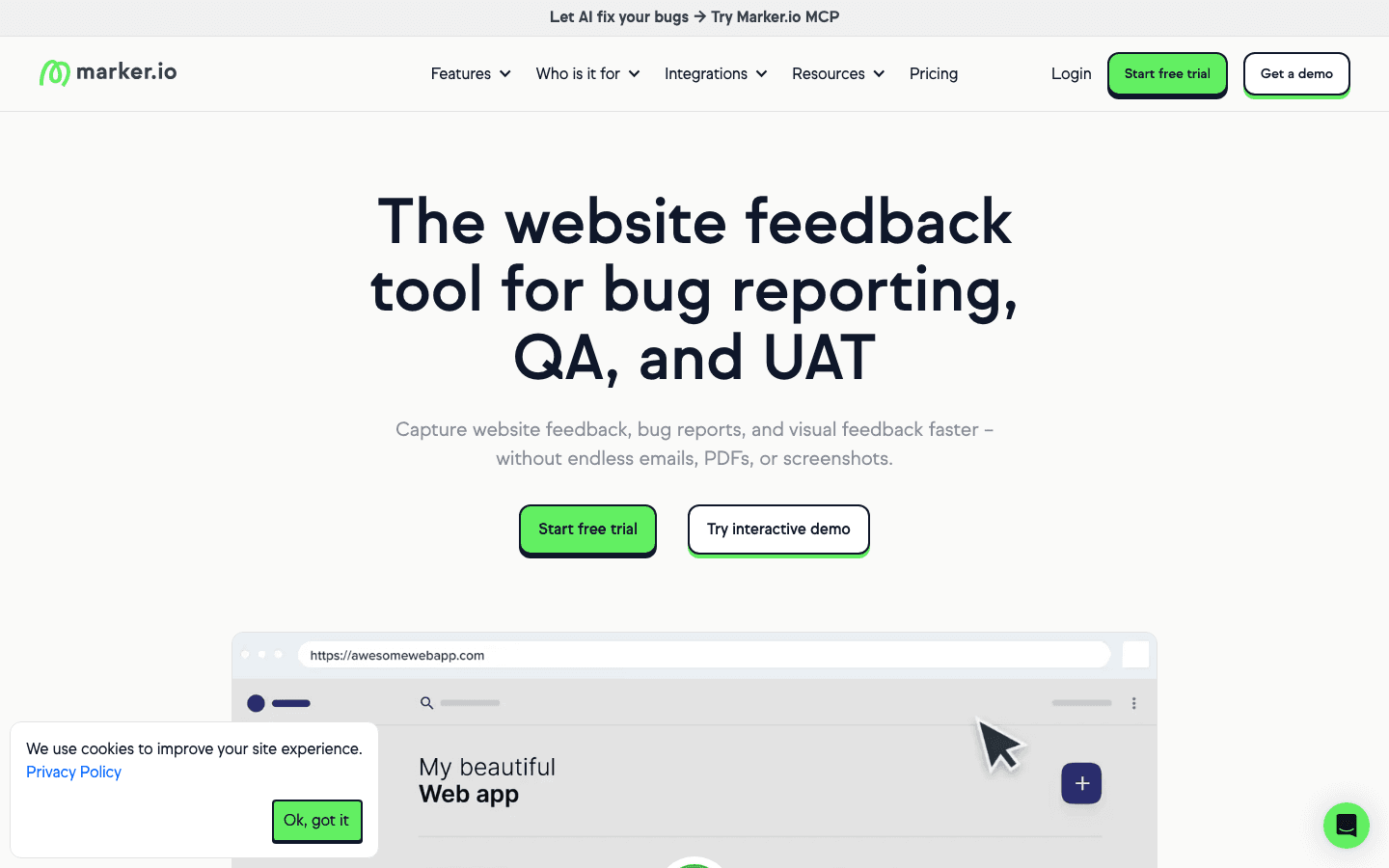
Marker.io is built for a different workflow from the others on this list: visual annotation rather than technical log capture. You click on any element of a live page, draw arrows, add comments directly in the browser, and the annotated screenshot syncs two-way to Jira, ClickUp, Asana, or Trello. When the ticket resolves in your PM tool, Marker updates automatically.
For UAT sessions, design reviews, and stakeholder feedback rounds, it's the right tool. The annotation experience is clean, the two-way sync is reliable, and it makes non-technical reviewers into precise feedback providers without any training.
For developer bugs - console errors, network failures, frontend exceptions - it's the wrong tool. Marker focuses on visual feedback. A broken API call won't show in a Marker report. You won't see logs, network state, or technical session data. That's a deliberate product choice, not a gap to file a feature request about.
Pricing starts at $39/month for the first workspace, with no free tier. It's positioned as a team tool, not a solo experiment.
Design QA, UAT reviews, and stakeholder feedback where visual annotation matters more than technical logs. Teams with clients or reviewers who aren't technical but still need to file useful feedback.
Developer bug reports where console logs and network context are required. Any scenario where you need technical capture alongside visual feedback.
 BugHerdTier 14.0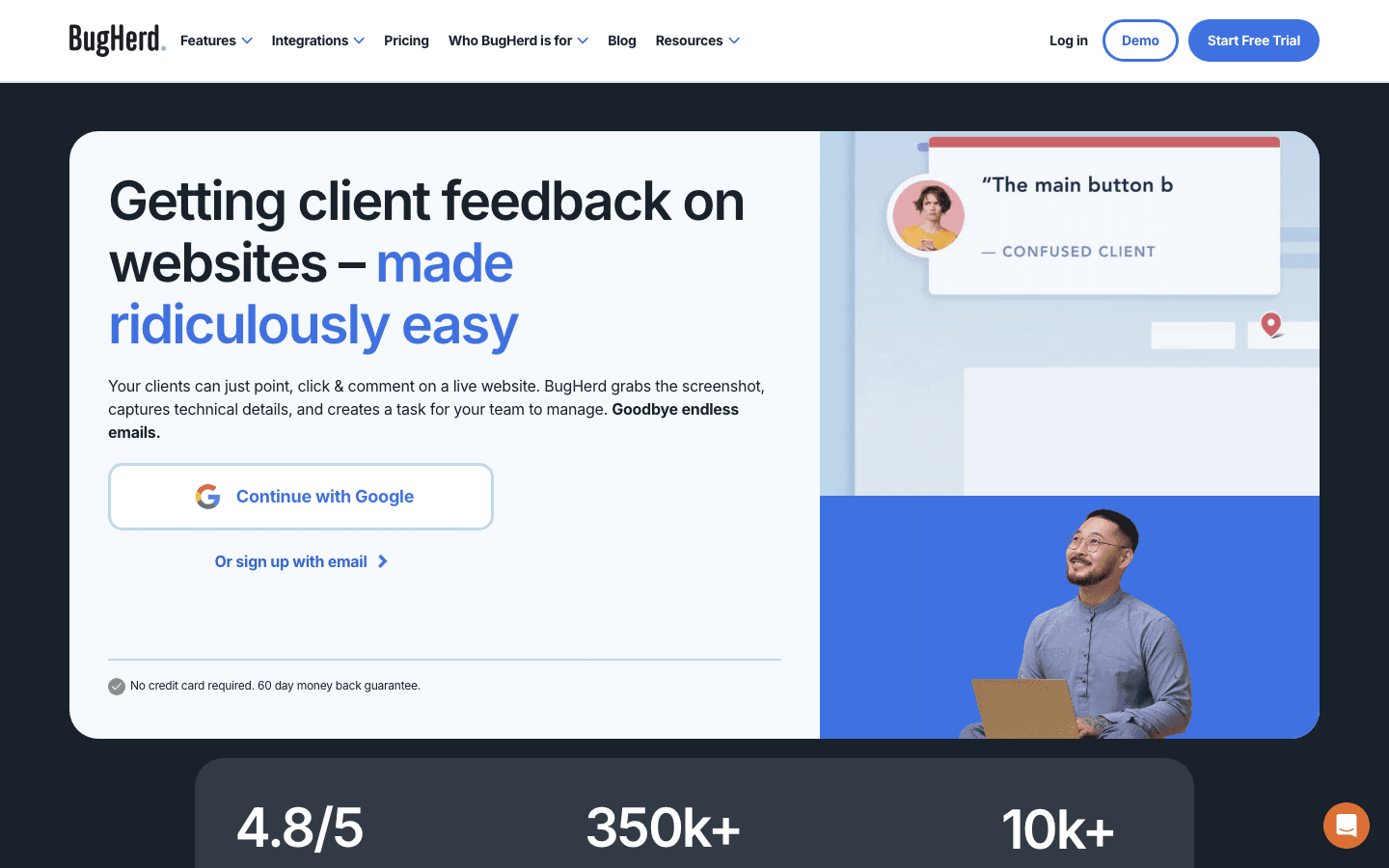
BugHerd is the sticky-note model: clients and reviewers click on any element of a live website and leave feedback pinned directly to it. No screenshot needed, no annotation tool - the report is attached to the DOM element and stays there.
For web agencies, that model is the product. Clients who have never opened a browser console can still file precise, actionable feedback without instructions. They click the element, type a comment, and submit. Feedback lives on the page in a visual task board, and the agency's team works through it systematically. It turns a feedback email thread into a structured project workflow.
The tradeoff is technical depth. BugHerd captures screenshots and metadata, but not console logs or network requests. It's built for website feedback, not application debugging. A JavaScript error won't appear in a BugHerd report. For agencies doing website delivery, that's fine - the feedback they're collecting is visual and UX-focused, not technical.
Pricing starts at $33/month for up to 3 members and 2 guests. Higher tiers add more guest capacity, which matters for agency workflows where clients are the primary reporters.
Web agencies delivering websites to clients and running UAT with non-technical stakeholders. Teams where the feedback loop is visual and the reporters are not developers.
Internal developer bug reporting where technical context is the point. Teams that need console log capture alongside visual feedback.
 UserbackTier 2-34.5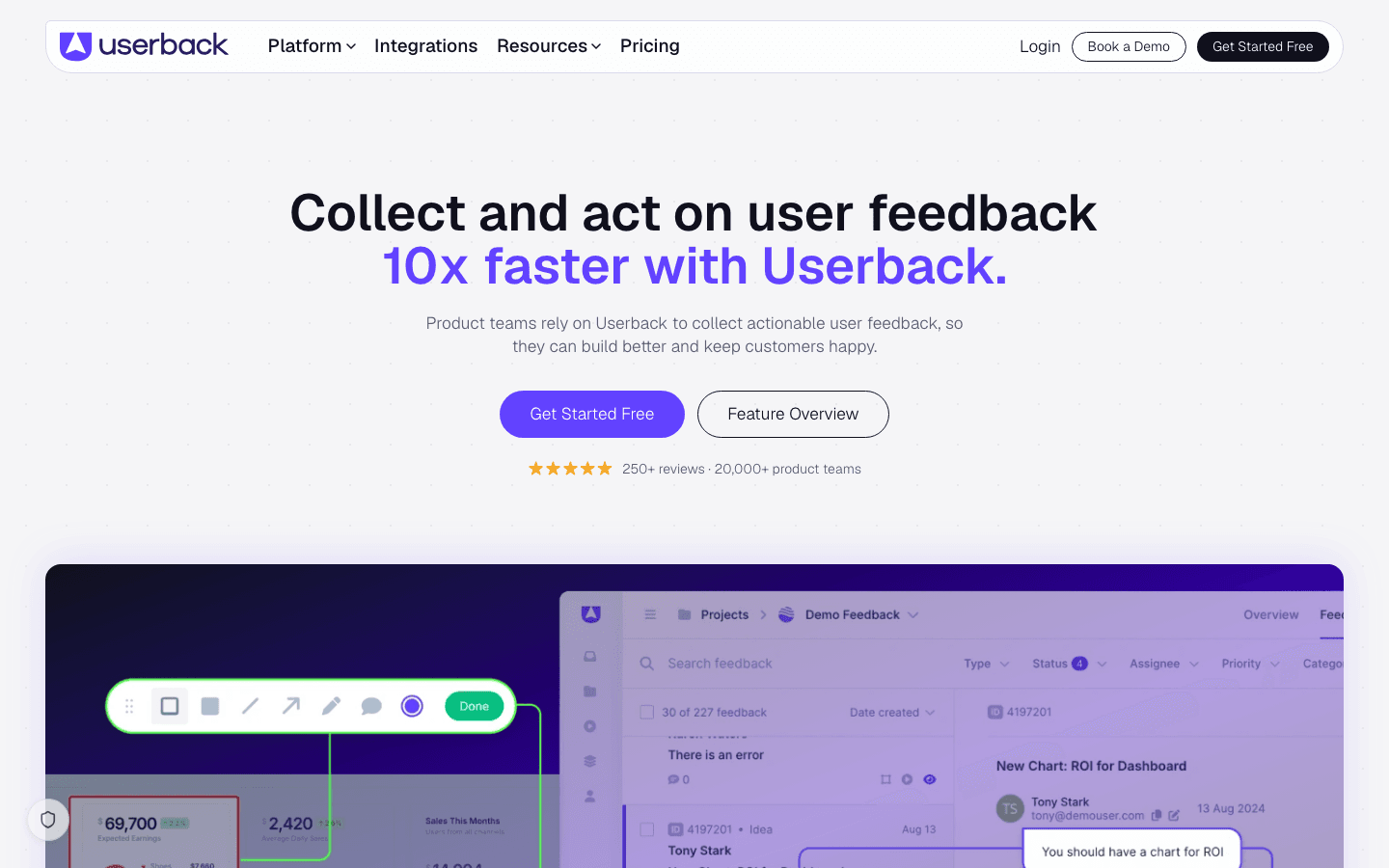
Userback combines bug reporting with user research tools in one platform: session replay, in-app NPS surveys, and user interview tools sit alongside the screenshot and log capture. If you want to understand not just what broke but why users struggled before it broke, that breadth is useful.
For pure bug reporting, it's more than you need. The $49/month entry price reflects the full product scope, not just the bug capture component. Teams that only want the extension are paying for features they won't use.
Product teams that want to combine bug capture with qualitative user research in a single tool - session replay, feedback, and surveys in one place.
 DisbugTier 2-33.5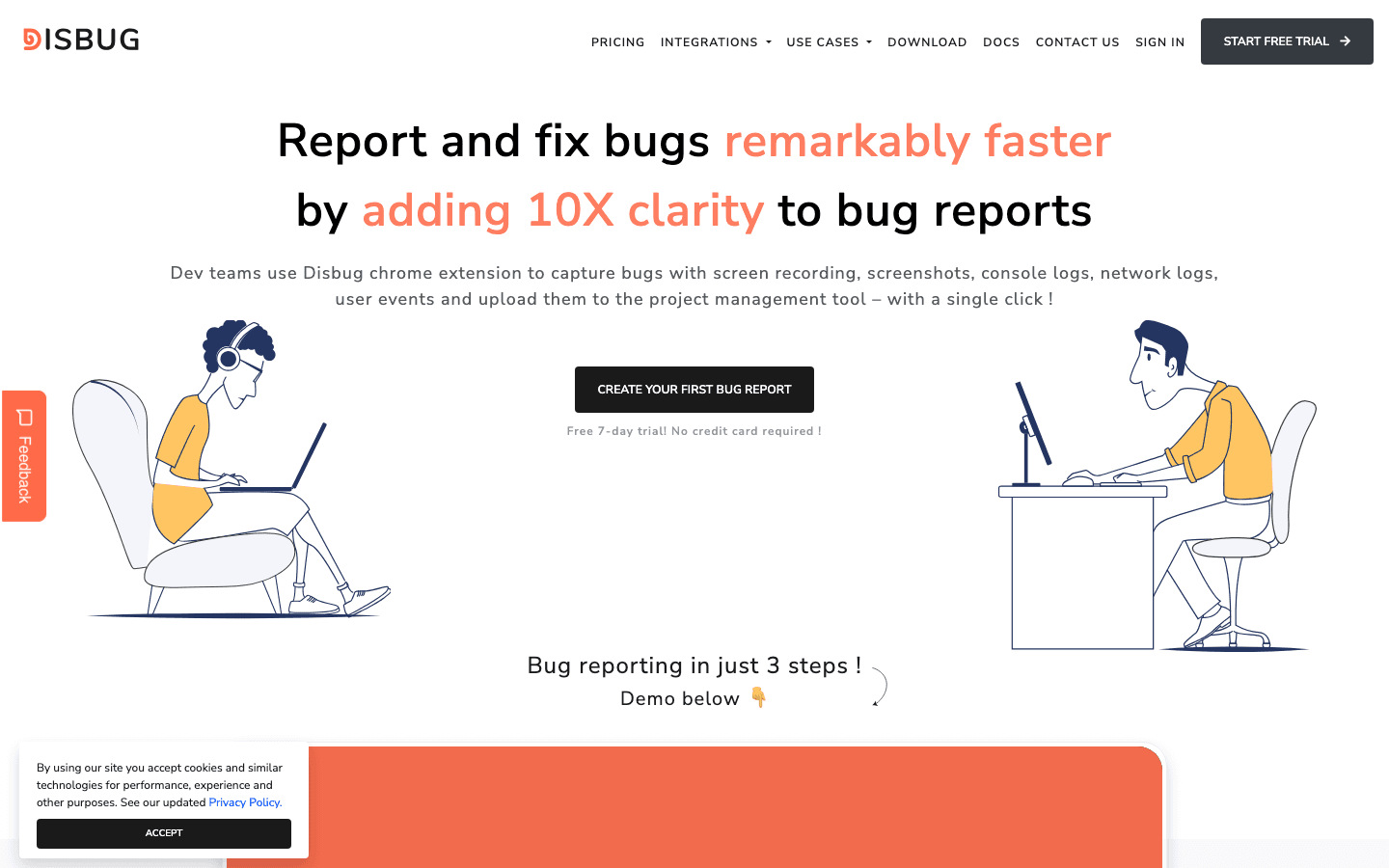
Disbug's differentiator is voice narration. You record a screencast and talk through what you're doing as you do it. The developer gets a narrated video - not a silent replay where they have to infer intent from clicks.
For complex workflows where "show and tell" is genuinely clearer than a written report, that matters. Multi-step flows, subtle UX issues, and interaction bugs that depend on timing often communicate better through voice. You can say "I expected this to close the modal but it didn't" without writing it.
Console logs and network capture are included alongside the recording. It's not the deepest technical capture on this list, but it covers the essentials. The free extension tier handles basic reporting; paid plans unlock team features and integrations.
Bug reports where the workflow context is complex and verbal narration makes the issue clearer than text alone. UX and interaction bugs that depend on sequence and timing.
 BugasuraTier 2-3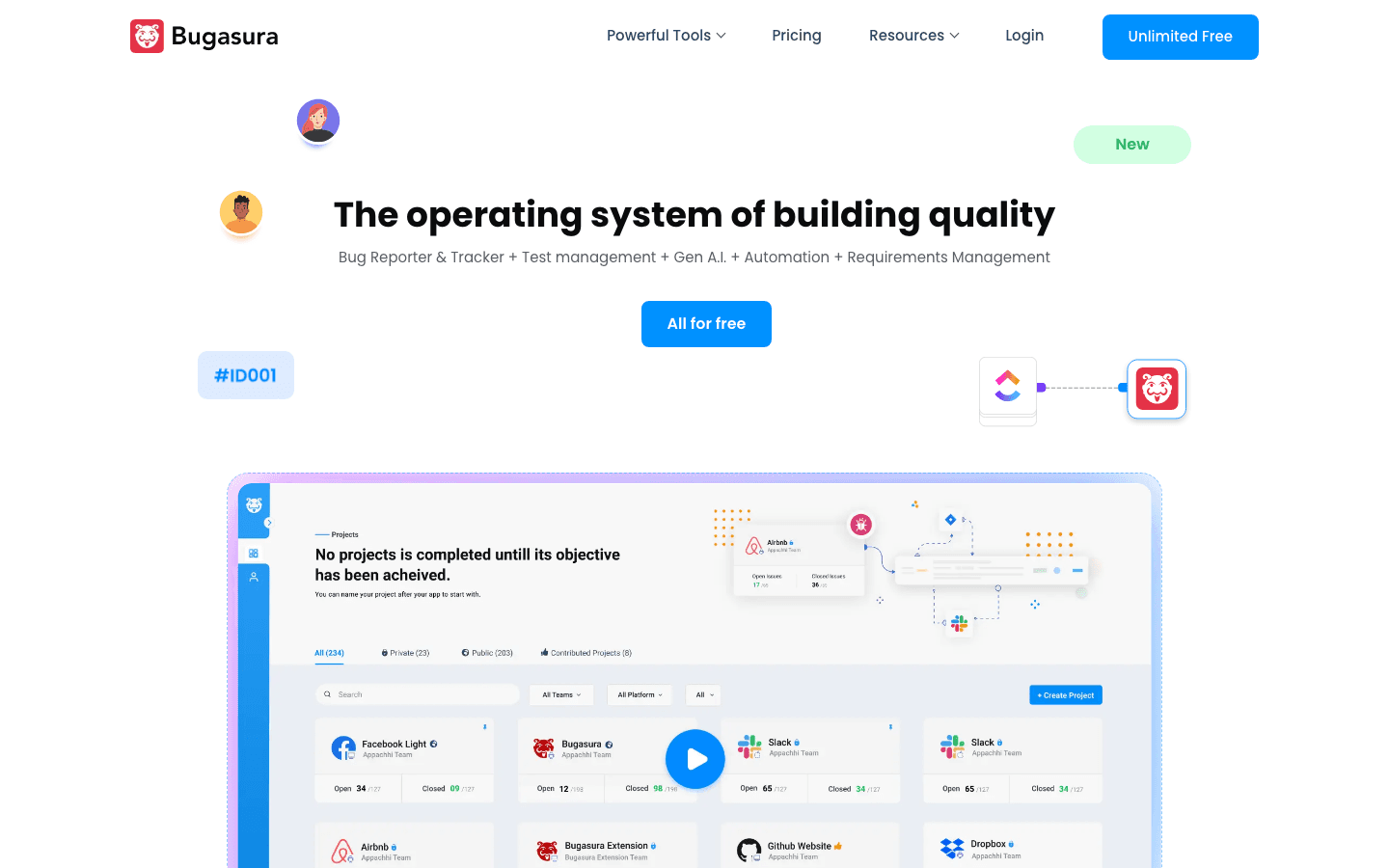
Bugasura offers the most generous free tier on this list: unlimited users, unlimited projects, all features, 50GB storage, no credit card, no trial expiry. For teams with no budget for tooling, it's a real option - not a limited trial masquerading as free.
The Chrome Reporter captures contextual bugs on web apps and the AI assistant generates issue descriptions automatically. It doesn't produce structured AI-ready output for developer tools, but it reduces manual writing for QA engineers filing many reports in a session.
The tradeoff is platform weight. Bugasura is a full bug tracking platform - test management, sprint mapping, user journey tracking, MCP server integration. If you only need a Chrome extension, you'll be navigating past a lot of platform you're not using. For teams that want the full stack at no cost, that's a benefit. For teams that want a focused extension, it's noise.
Teams with no tooling budget that need a real bug reporting workflow, not just a screenshot tool. QA teams doing exploratory testing who want AI-generated issue descriptions without manual writing.
The choice between these extensions comes down to one question: what happens after the report is filed?
If the answer is "a developer opens it, watches a replay, and writes reproduction steps before they can start debugging" - any of these tools solve the capture problem. If the answer is "a developer pastes the report into their AI coding tool and gets a fix suggestion back" - that workflow only works with PlayLog. The report format is the product, not just the capture.