You get a Slack message at 2pm: "the checkout is broken." No screenshot. No browser. No steps. Just a name, a complaint, and a ticket that's about to ruin your afternoon.
You open the code. Nothing looks wrong. You open staging. Can't reproduce it. You message the user back - they've moved on. The ticket sits in your backlog, marked "needs more info," slowly decaying into a footnote nobody closes.
This is the reality of bug reporting for most teams, and it isn't a people problem. It's a tooling problem. The right tool turns "I can't reproduce this" into "here's the fix" in minutes. Not all tools get there the same way, and in 2026 the gap between the best and the rest has never been wider.
We compared 13 tools. Here's the honest breakdown.
| Tool | Best for | Pricing | Free | Chrome | Mobile | Rating |
|---|---|---|---|---|---|---|
| PlayLog | AI-assisted bug fixes | Free + $19/mo | ✓ | ✓ | ✗ | ★ 5.0 |
| Jam.dev | High-volume bug capture | Free + $14/seat/mo | ✓ | ✓ | ✗ | ★ 4.1 |
| BrowserStack Bug Capture | Enterprise teams | Free + $50/mo | ✓ | ✓ | ✗ | ★ 4.5 |
| Shake | Mobile + web teams | Free + $160/mo | ✓ | ✓ | ✓ | ★ 4.8 |
| Disbug | Agencies and designers | Free ext + paid | ✓ | ✓ | ✗ | ★ 3.5 |
| Marker.io | Web agencies | $39+/mo | ✗ | ✓ | ✗ | ★ 4.7 |
| BugHerd | Client feedback | $42+/mo | ✗ | ✓ | ✗ | ★ 4.0 |
| Userback | SaaS product teams | Free + $49/mo | ✓ | ✓ | ✓ | ★ 4.5 |
| Usersnap | Enterprise product | Free + $39+/mo | ✓ | ✓ | ✗ | ★ 3.8 |
| Gleap | SaaS + AI support | Free + $149/mo | ✓ | ✓ | ✓ | ★ 4.3 |
| Requestly | Frontend developers | Free + $12/user/mo | ✓ | ✓ | ✗ | ★ 4.6 |
| LogRocket | Engineering + analytics | Free + $69+/mo | ✓ | ✗ | ✓ | - |
| Sentry | All devs (error-first) | Free + $26+/mo | ✓ | ✗ | ✓ | - |
 PlayLogOur Pick5.0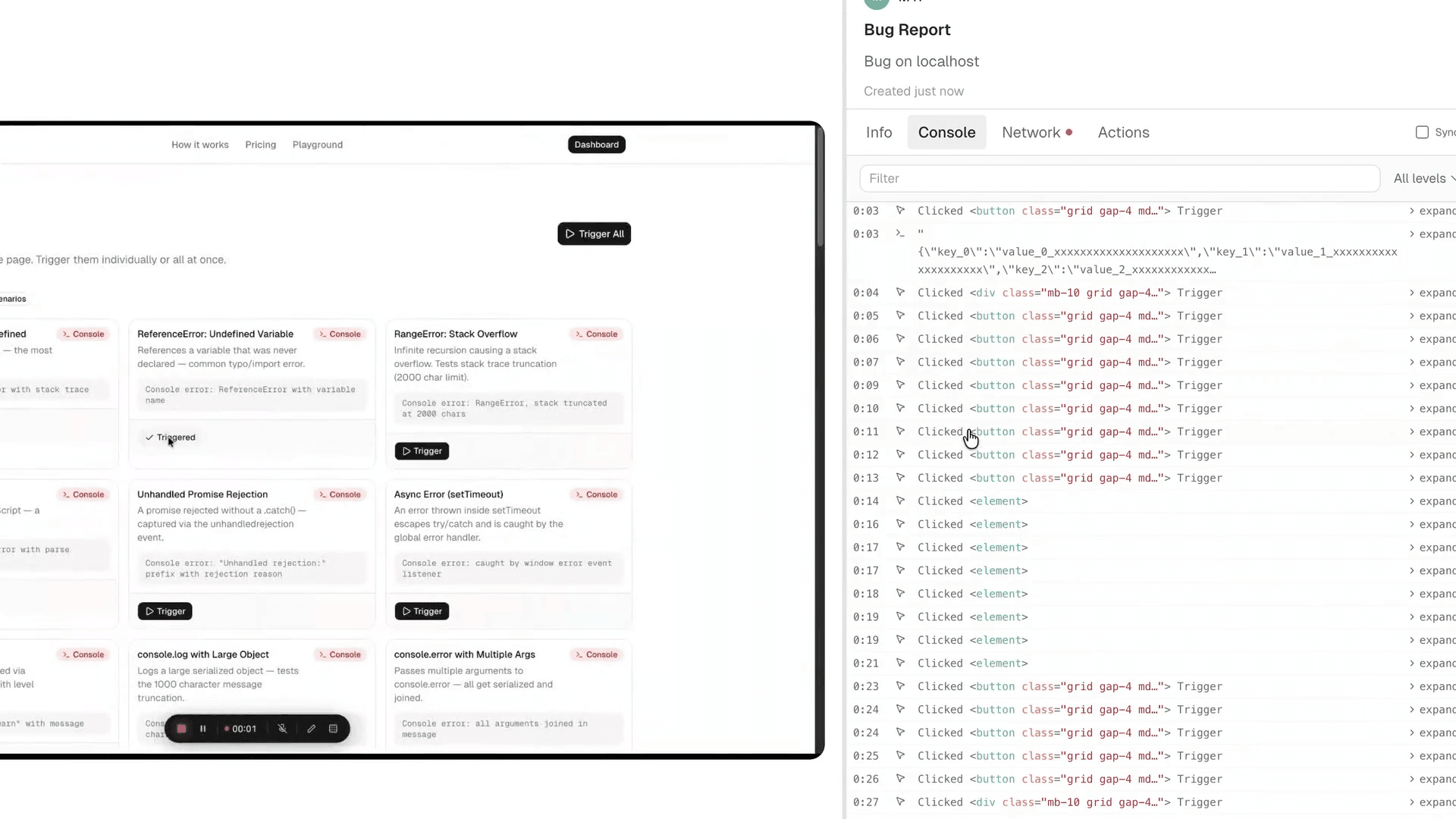
Every other tool on this list captures what went wrong. PlayLog does something different: it writes the fix prompt for you.
When a bug gets reported through PlayLog, you get a single button. Press it. Everything - user actions with exact timestamps, console logs, network requests, page state at the moment of failure, OS, browser version, window size - copies to your clipboard as structured markdown. Paste it straight into Cursor, Claude, or GitHub Copilot. The AI has everything it needs to suggest a fix. No reformatting. No writing reproduction steps by hand. No chasing the user for context two days later.
For QA engineers: PlayLog captures more per report than almost any other Chrome extension. Every click is timestamped. Every network call is logged. The session replay shows what the user actually did, not what they remember doing when they filed the ticket.
For developers: The AI-ready markdown output removes you as the translation layer between a vague bug report and your coding tool. Normally you read a report, mentally reconstruct the context, then describe it to your AI tool. PlayLog collapses those three steps into one paste.
For PMs and engineering managers: PlayLog charges per session, not per seat. A 20-person team doesn't pay 20x more than a 2-person team. You pay for what you use. Most competitors - including Jam.dev at $14 per creator seat - charge you for who's on your team, not how many bugs you're filing. At $19/month per 200 sessions, PlayLog is predictable regardless of headcount.
Most bug reporting tools were built for a world where developers manually read logs and wrote reproduction steps. PlayLog was built for a world where you paste a bug into an AI and get a fix back. That is a different category, not a feature difference.
Honest weaknesses: PlayLog is a Chrome extension - it doesn't cover mobile app bugs. If you're debugging iOS or Android crashes, you'll need a tool with a mobile SDK (Shake handles this well).
Your team uses AI tools like Cursor or Claude to fix code, you want zero-setup bug capture on any website, per-session pricing fits your usage better than per-seat, or you're spending too much time translating vague bug reports into something a developer can act on.
 Jam.devTier 14.1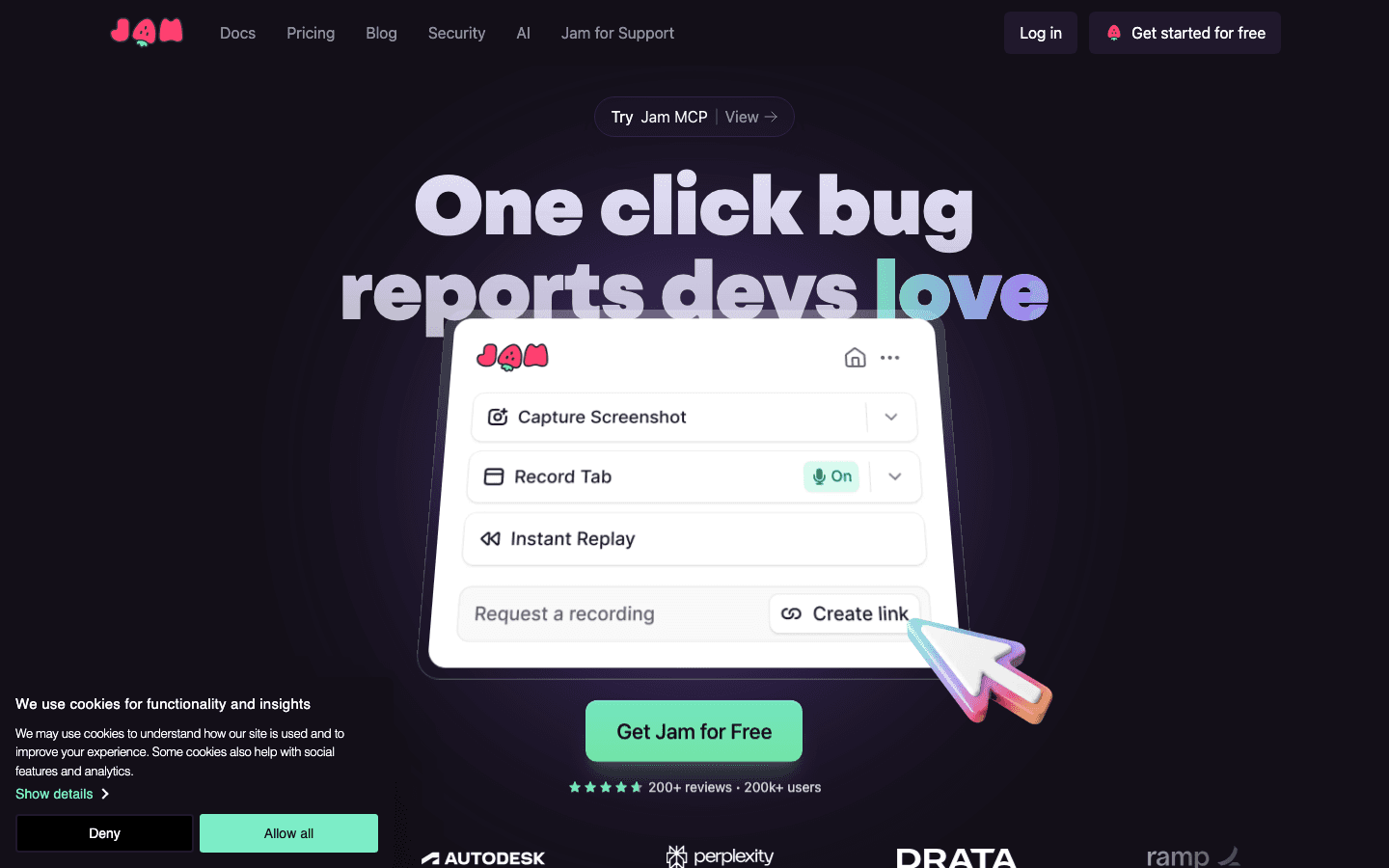
With 200,000+ users and 16 million bug reports filed, Jam.dev is the default answer when someone asks "what do you use for bug reporting?" That reputation is earned - Jam captures console logs, network requests, and reproduction steps automatically from a Chrome extension, with no SDK required.
For QA engineers: Auto-capture is the headline. One click starts recording, and the resulting "Jam" includes everything a developer needs without extra effort from the reporter. The recent MCP integration means bug context can flow directly into developer coding environments.
For developers: Jam surfaces the context you need without asking for it. Repro steps, network calls, console state - it's all there by the time the ticket reaches you.
For PMs and EMs: Here's where the math gets uncomfortable. Jam's Team plan is $14 per creator per month, billed annually. On a 10-person team where everyone files bugs, that's $1,680 per year. The free tier caps you at 30 Jams total - not per month, total - which means most teams hit the ceiling before they've finished evaluating it.
Jam's per-seat pricing scales with headcount, not usage. A large team with occasional bug reporting pays the same as a small team that files bugs constantly. Factor that in before committing.
You want the most battle-tested tool in the space, your team is small enough that per-seat pricing makes sense, or you need broad integrations with existing PM tools out of the box.
You're paying for AI coding tools and want bug reports that feed directly into them, or your team size makes per-seat pricing a budget concern.
 BrowserStack Bug CaptureTier 14.5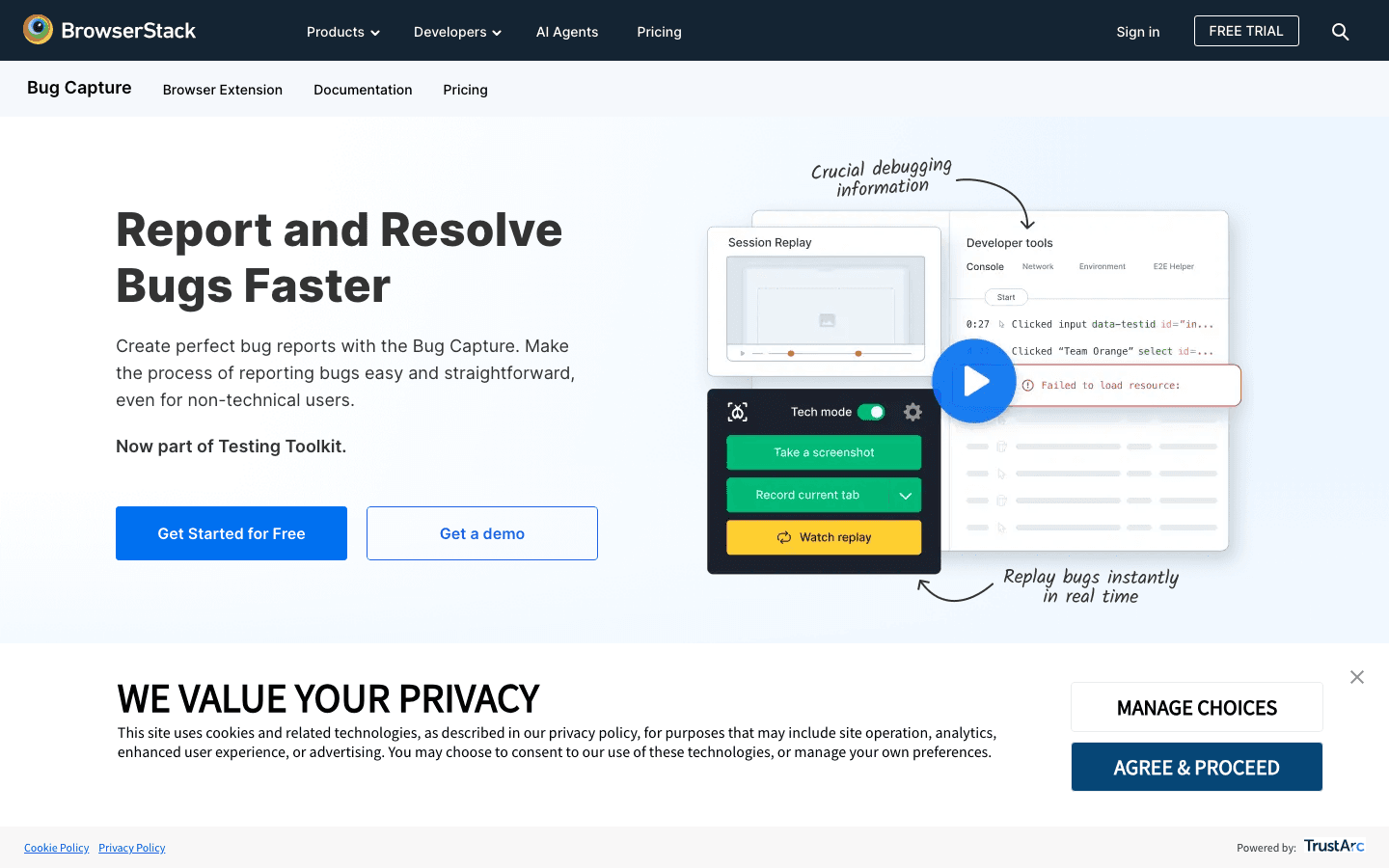
Formerly Bird Eats Bug, now part of BrowserStack and rebranded as Bug Capture. The core product differentiates itself through DOM-based replay. Instead of recording a video of the screen, it reconstructs the page state frame by frame using the actual DOM. The result is often more accurate than screen recording alone, especially for complex React or Vue apps where visual state and underlying state can diverge.
For QA engineers: The background error monitoring is the standout feature. Bug Capture runs passively and captures the 30 seconds before a reported bug - even if the user didn't start recording in advance. That dashcam behavior catches errors that would otherwise go unrecorded because nobody pressed the button in time.
For developers: The E2E test generator on the Premium tier outputs Cypress or Selenium scripts from a recorded session. That turns a bug report into a regression test automatically - a different value proposition from any other tool on this list.
For PMs and EMs: BrowserStack's acquisition brings enterprise credibility. Customers include Microsoft, Amazon, and Atlassian. The free tier gives 3 users access forever with 15 uploads per month - enough to evaluate, not enough for a real QA workflow. Starter is $50 per month for 5 team members with unlimited recordings.
DOM accuracy matters for your stack (complex SPAs, heavily dynamic UIs), you want background passive monitoring, or you need a tool with enterprise credentials.
You have a mobile app, you need a generous free tier for extended evaluation, or you want AI-optimized output rather than replay-and-diagnose.
 ShakeTier 14.8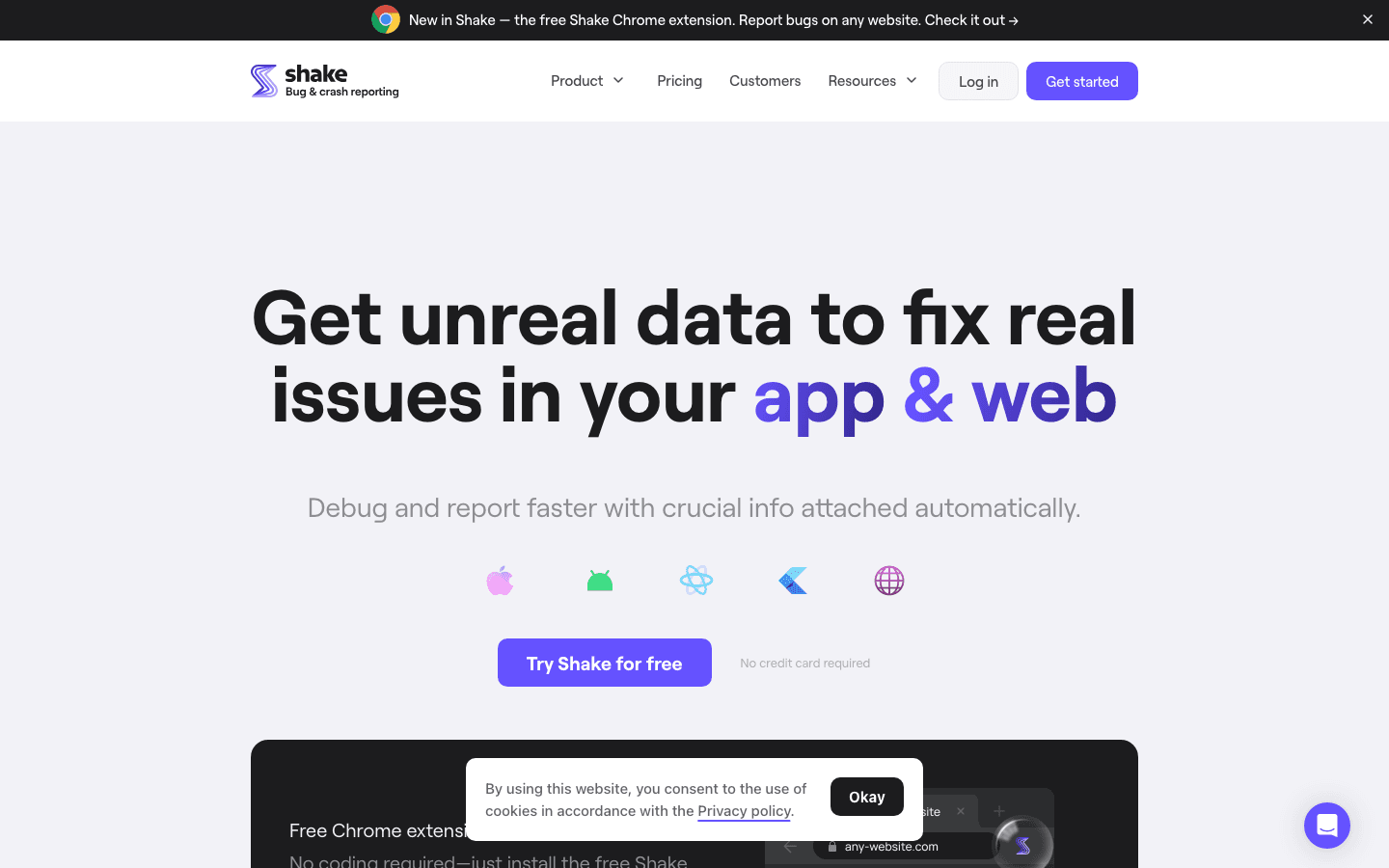
Shake's headline number is 50+ data points per bug report. Every report includes device model, OS version, HTTP logs, app version, user account data, reproduction steps, and crash stack traces with blackbox logs. Customers include Ford, Qantas, and Airwallex.
The real differentiator is the mobile SDK. Shake covers iOS and Android natively, making it the strongest choice for teams building apps rather than just web products. The Chrome extension for web bugs is free forever - no trial period, no usage caps.
For QA engineers: Having one tool for both web and mobile bugs is a genuine workflow improvement. You're not switching between Jam for web and something separate for mobile - Shake handles both with consistent data structure across platforms.
For developers: Shake's Premium tier includes an MCP server integration, crash stack traces detailed enough to diagnose mobile crashes without local reproduction, and full data export.
For PMs and EMs: The pricing has a startup discount worth knowing about: Premium drops to $15 per month for the first year (normally $200 per month for 25 seats). The free tier gives 20 bug reports per month and 3 seats - useful for evaluation, not for production.
You're building mobile apps and want one tool for both web and native bug reporting, or you want the most data-rich reports in the space.
You're web-only and don't need the mobile SDK, or the $160 per month Starter plan is outside your budget.
 DisbugTier 13.5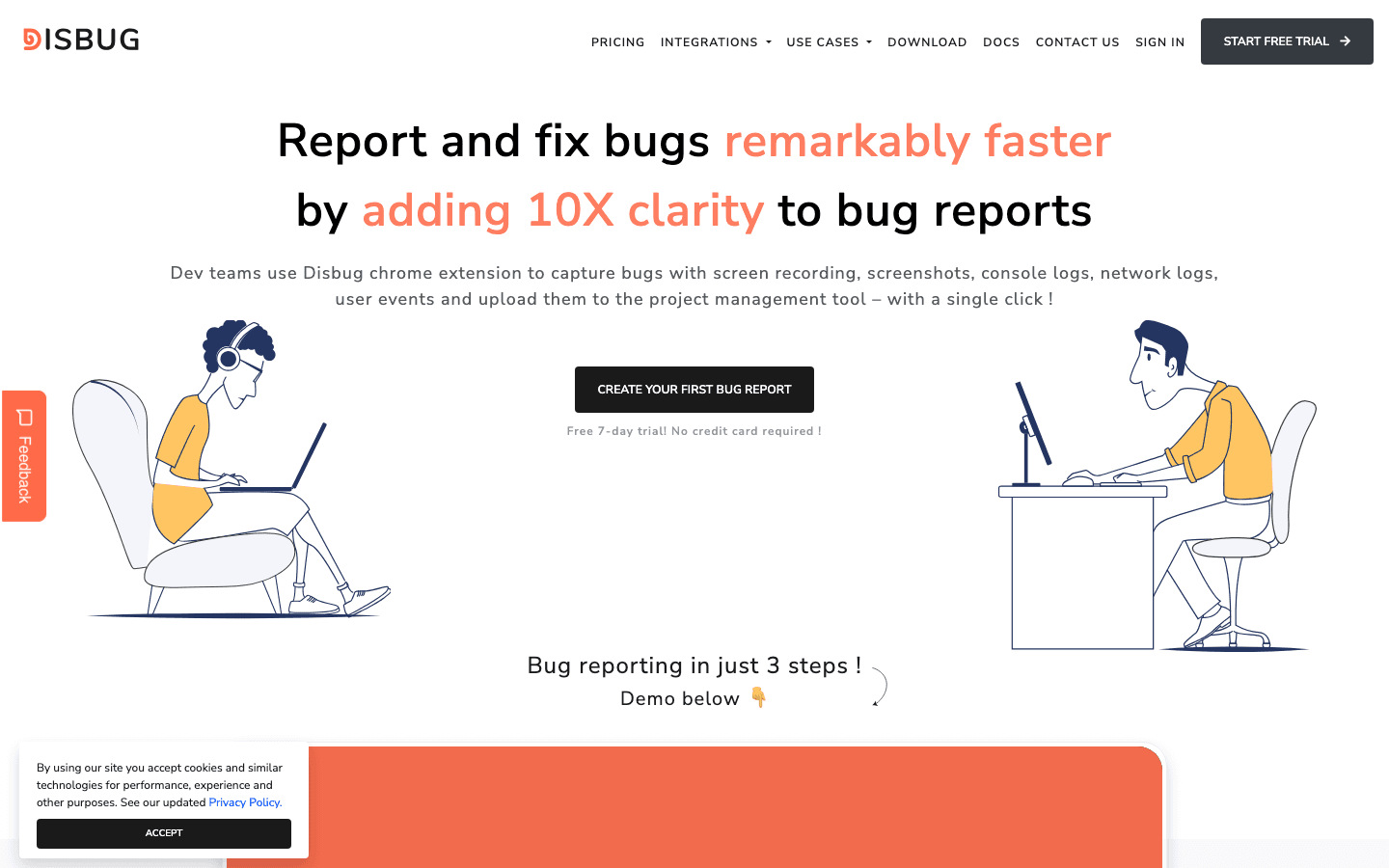
Disbug carves out a niche by combining bug reporting with live website editing. Designers can annotate bugs, record voice narration alongside screen capture, and suggest CSS changes - all in the same report. That makes Disbug particularly useful for teams where QA and design responsibilities overlap.
The Chrome extension is permanently free. No 14-day trial, no monthly upload cap. For solo developers, freelancers, or small agencies doing internal testing, that's a real reason to choose Disbug over tools with restrictive free tiers.
For QA engineers: The combination of automatic console and network log capture with voice narration is effective. You can say what you're seeing while demonstrating it, which catches nuance that written reproduction steps miss.
For designers and agencies: The live website editing feature is the standout. You can edit the page visually and include those changes in the bug report - showing the developer exactly what the fix should look like, not just describing the problem.
For PMs and EMs: Low cost, zero friction, good enough for many workflows. The 3.5 rating reflects real product immaturity compared to Jam or Shake, but for the price point it's hard to argue against trying it.
Your team includes designers who also do QA, you want a permanently free Chrome extension with no usage caps, or you're a small agency that doesn't need enterprise features.
You need proven reliability at scale, mobile coverage, or tight integration with your project management workflow.
#Tools 6-13: Full comparison
These tools solve adjacent problems - website feedback collection, SaaS product management, full-stack error monitoring, or developer productivity. They come up in evaluations often enough to deserve a real breakdown.
 Marker.ioTier 2-34.7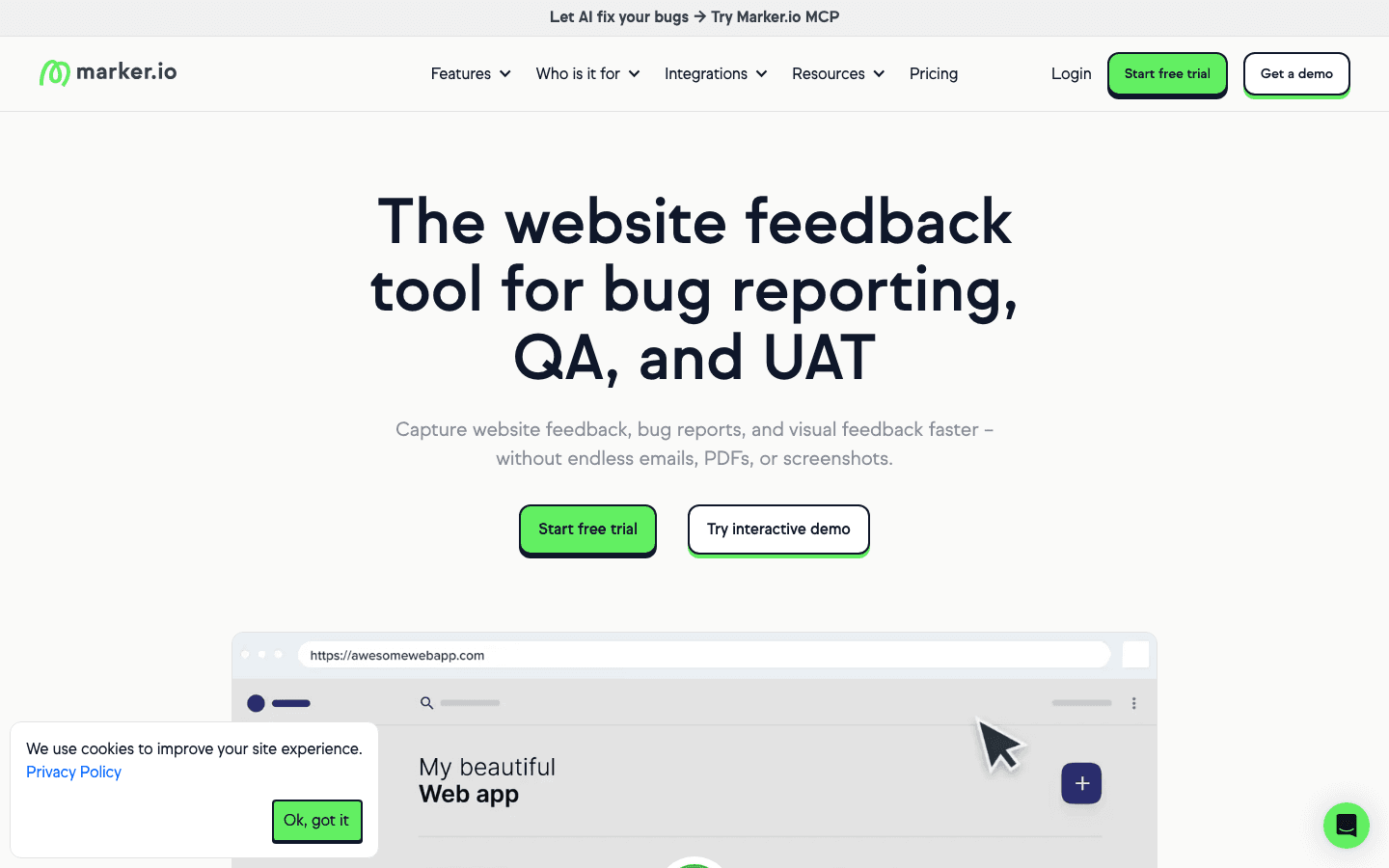
You know the drill. A client emails you a cropped screenshot, no browser info, no URL, and a subject line that says "not working." Marker.io exists to end that cycle. It embeds a feedback widget directly on your website or web app - no account required for the person reporting. They click, annotate, and submit. Your team gets a ticket with a full screenshot, browser version, OS, screen resolution, and the page URL already attached.
The two-way sync with project management tools is where Marker.io earns its price tag. When a bug gets resolved in Jira, it reflects in Marker.io automatically. Session replay on the Team plan ($149/mo) gives you the 30 seconds before a report was submitted, so you can watch what the user actually did rather than reconstructing it from a description. The Agency plan at $99/mo annually covers 15 seats and 50 active websites, which is the sweet spot pricing for web shops managing client feedback across multiple projects.
For QA engineers: The "unlimited reporters" model means you can give every client, every stakeholder, and every beta user access to submit feedback without paying per head. QA workflows benefit from the custom issue types and environment detail capture that lands automatically on every report.
For developers: Two-way sync is the real value here. You work in Jira or Linear, not in Marker.io's dashboard. When the integration is set up properly, feedback arrives in your existing queue with enough context to act on without asking follow-up questions.
For PMs and EMs: The Starter plan at $39/mo covers only 1 website and 3 seats, which pushes most real teams toward the Team plan at $149/mo. That jump is significant. The ROI calculation is straightforward if you're currently spending hours a week chasing down browser specs from clients - but if you're only managing one internal product, the cost is harder to justify versus tools that charge by usage.
You manage feedback and bug reports across multiple client websites, or you need clients and stakeholders to report issues without giving them access to your internal PM tools. The unlimited-reporters model is genuinely useful for agencies.
You're running a single SaaS product with a small internal team. The Team plan cost scales poorly for that use case, and tools like Userback or PlayLog offer more value at lower price points.
 BugHerdTier 2-34.0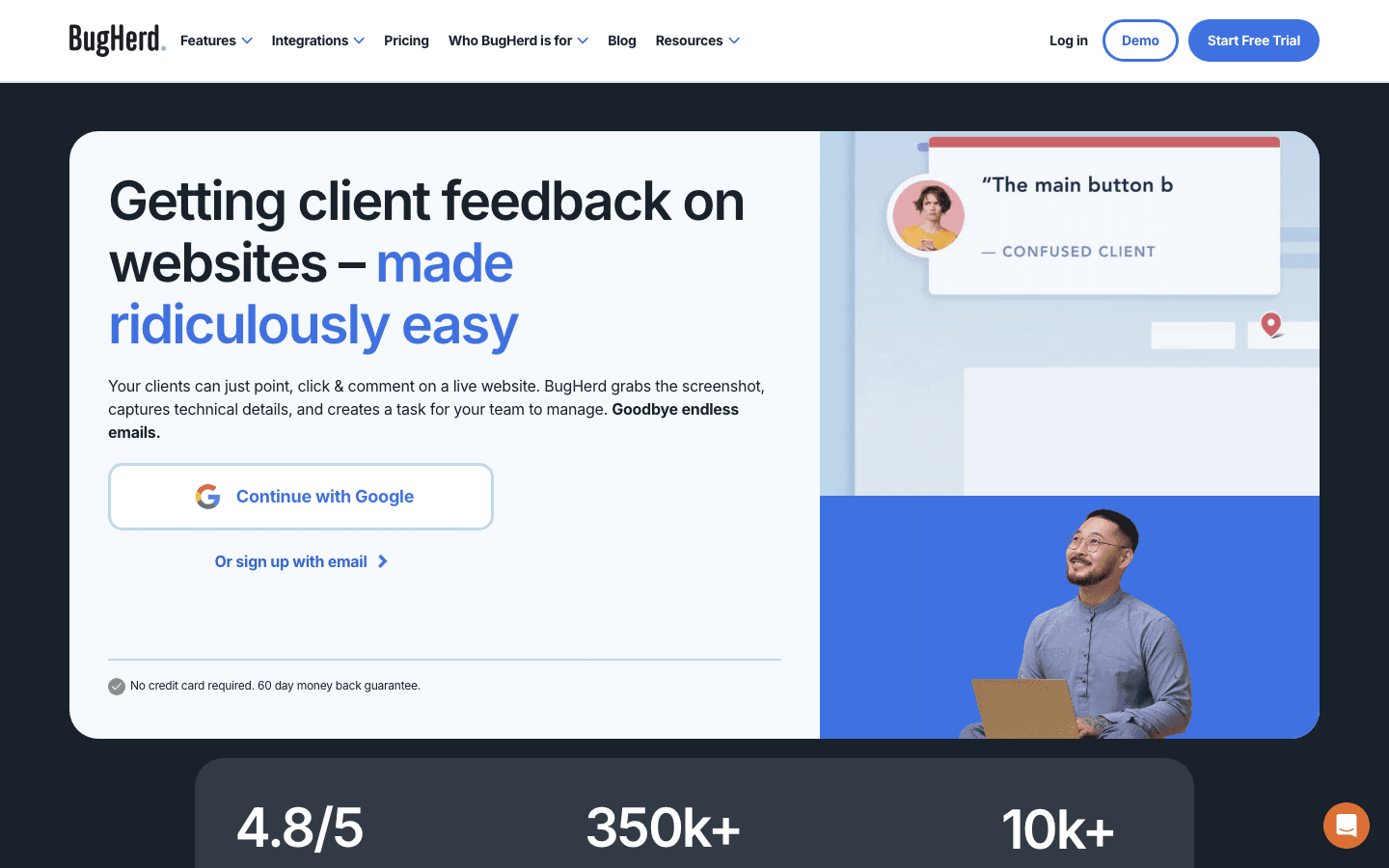
BugHerd's whole pitch is that your clients should never need training. They click on any element of your live site, drop a sticky-note style pin, type their comment, and submit. Every submission lands in a Kanban board with a screenshot and automatic technical metadata captured. No login. No instructions. No chasing people to use the right template.
The tool has been around since 2012 and the core mechanic hasn't changed much, which is both a strength and a limitation. The Kanban board is clean. The client collaboration features on higher tiers let you show clients a read-only view of their own feedback progress. The Standard plan at $42/mo annually (5 members) is genuinely affordable for small agencies. The Studio plan at about $77/mo adds 10 members and more storage. The Premium plan at around $130/mo unlocks Jira, Linear, Asana, and other deep integrations that are conspicuously absent from the cheaper tiers.
For QA engineers: BugHerd's value is for external feedback collection, not internal QA workflows. If your QA process involves internal testers who understand your stack, you'll find the tool limited - it captures browser and OS data but doesn't offer console logs, network request capture, or session replay on any plan.
For developers: You'll receive pinned feedback with a screenshot and basic environment info. What you won't get is the reproduction context that makes debugging fast. BugHerd tells you what the client sees; it doesn't tell you what the app was doing when they saw it.
For PMs and EMs: The 7-day free trial is real but short. Jira integration only unlocks on Premium, which means small teams evaluating BugHerd against cheaper alternatives may hit a wall before they reach the features that matter. The client-side workflow is polished, though - if your team spends significant time on agency-style client review cycles, BugHerd cuts that overhead noticeably.
Your core pain is managing website feedback from non-technical clients who won't use any tool that requires a login or training. The point-and-click mechanic removes every adoption barrier.
You need console logs, network capture, or session replay alongside your feedback. BugHerd is a feedback collection tool, not a developer debugging tool.
 UserbackTier 2-34.5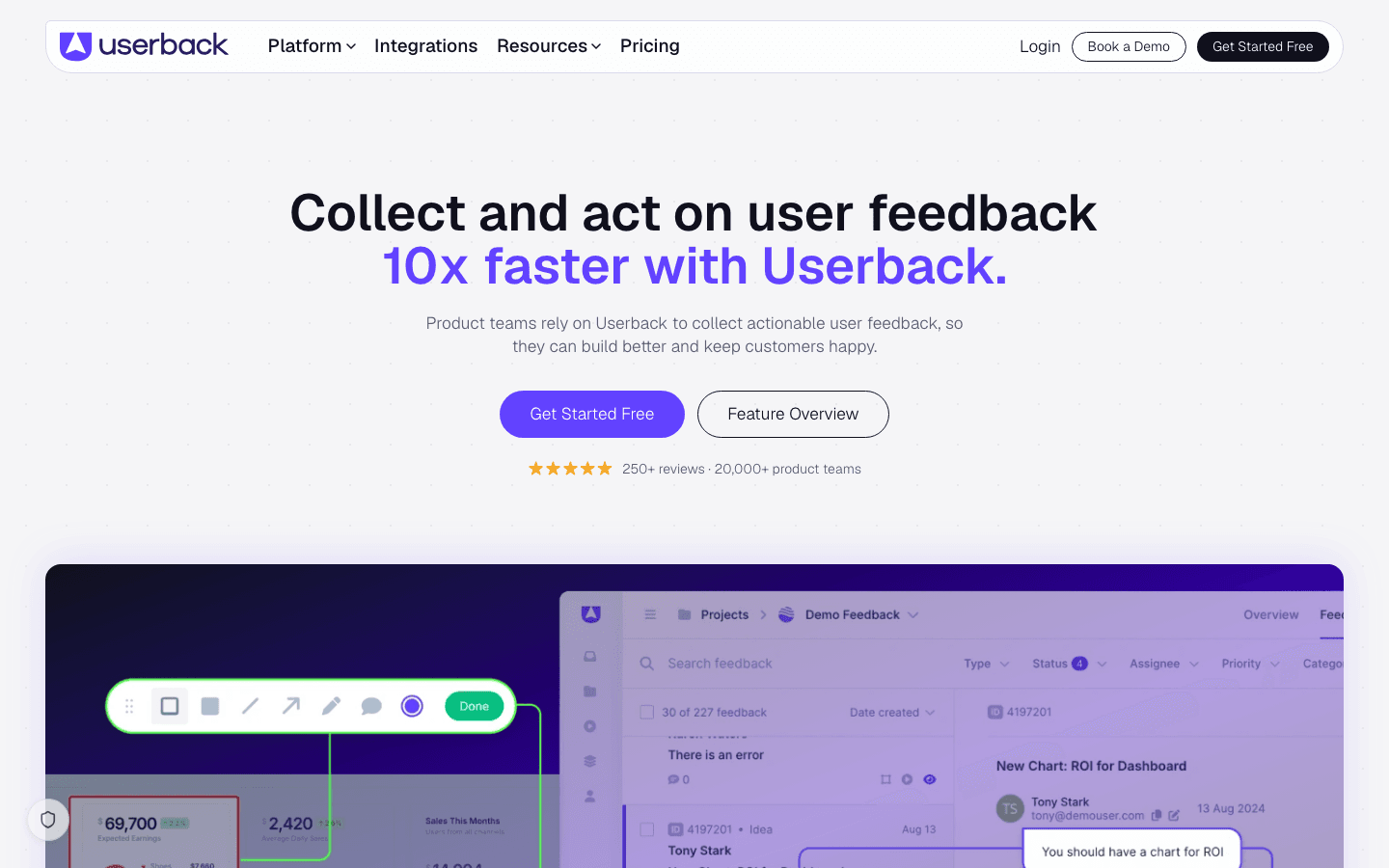
Userback positions itself as the complete product feedback loop, not just bug reporting. The same widget that captures an annotated screenshot of a bug also handles NPS surveys, feature request voting, and session replays - all feeding into one dashboard. For a SaaS product team that currently uses four separate tools for those functions, that consolidation has real appeal.
The session replay feature is tightly integrated with feedback. When a user submits a report, you can watch what they did in the 60 seconds leading up to it. Unlike passive session replay tools that record everything, Userback attaches replay only to feedback submissions, which keeps storage costs manageable and makes it trivial to find the replay that matters. The mobile SDK covers both iOS and Android, so teams building native apps alongside web products aren't left with a gap. The public roadmap feature lets users vote on feature requests, with automated notifications sent back when their requested feature ships - closing the loop without manual PM effort.
For QA engineers: The browser extension lets anyone on your QA team annotate bugs on any page without installing a snippet first. The session replay attached to each report replaces the need to ask users for reproduction steps in most cases.
For developers: Userback's 2-way sync with Jira, Linear, and ClickUp means status updates flow back to users automatically. You update the ticket; Userback notifies the reporter. That loop normally requires custom webhook work.
For PMs and EMs: The Starter plan at $49/mo covers 5 team members with unlimited feedback. The Scale plan unlocks session replay retention beyond 7 days and advanced user segmentation. At $49/mo entry, Userback is positioned against Marker.io ($39/mo for 3 seats) and above PlayLog ($19/mo per-session), so the value depends on whether you need the feedback-plus-roadmap bundle or just capture and debug.
You run a SaaS product where you want to close the feedback loop with users - not just collect reports but send automated updates when issues are fixed or features ship. The mobile SDK is a differentiator if you have both web and native app surfaces.
You're primarily debugging internal engineering issues rather than managing user-facing feedback. The platform's strength is user communication, not developer debugging workflow.
 UsersnapTier 2-33.8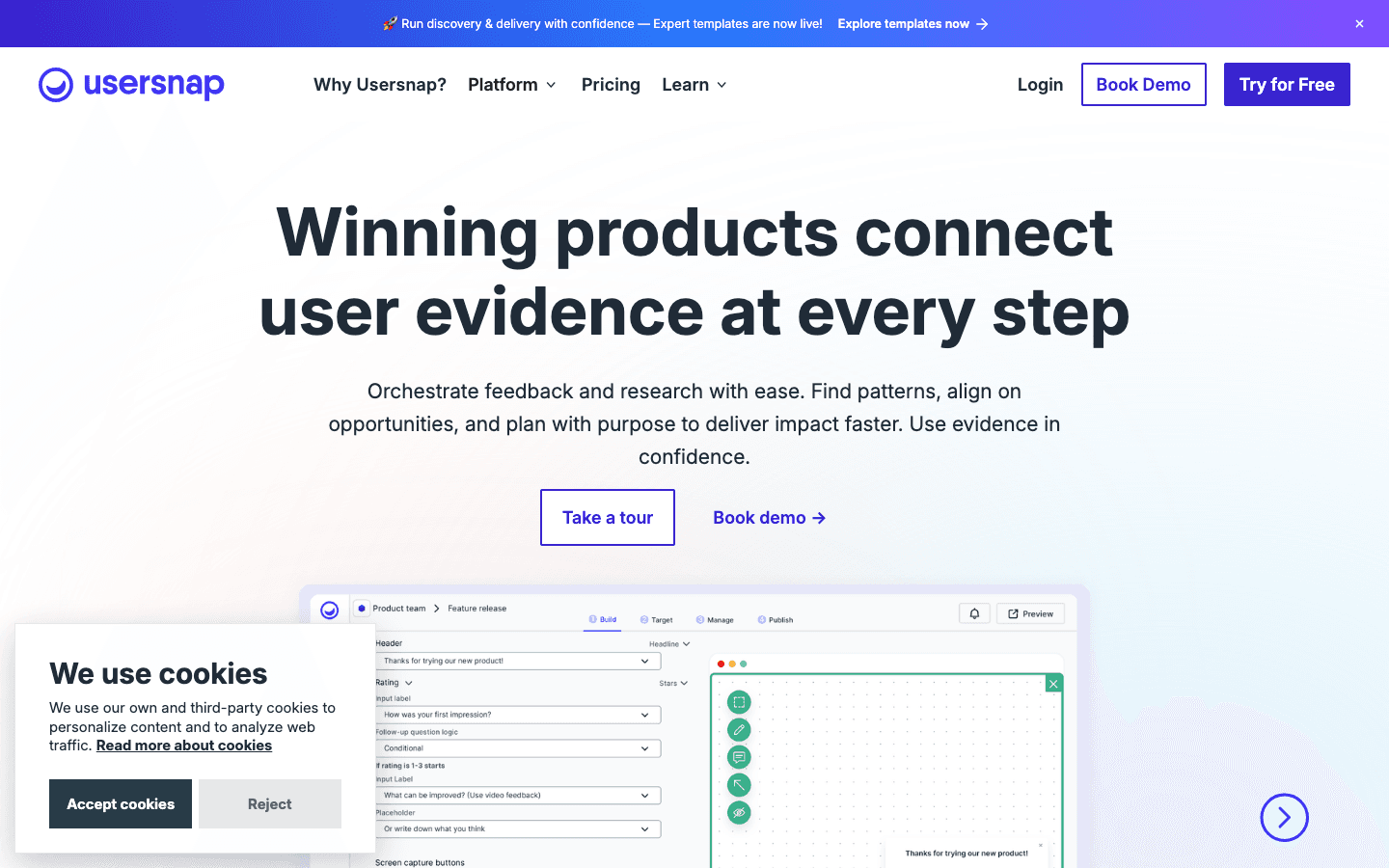
Usersnap has gone through a significant repositioning. It started as a screenshot annotation tool, evolved into a bug reporting platform, and is now marketing itself as a product discovery and feedback intelligence platform. The AI sidekick called Airis categorizes incoming feedback automatically, surfaces sentiment trends across your feedback volume, and generates hypotheses about why users are struggling. For PMs managing hundreds of feedback items per week, that triage layer removes real work.
The free tier allows 20 feedback items before requiring an upgrade - enough to evaluate the widget setup, not enough to run any real QA cycle. The paid tiers start at around $39/mo (Starter) and scale to $159/mo (Professional) with more seats, more live projects, and deeper analytics. The browser extension works on any website even without the snippet installed, which makes it useful for ad-hoc feedback on third-party sites. Usersnap counts Microsoft, Facebook, and Canva as enterprise customers, and those relationships have driven the compliance and security investment (GDPR, SOC 2, SSO on enterprise tiers).
For QA engineers: The widget captures annotated screenshots, video recordings, browser error console logs, and basic environment metadata. It's solid but not exceptional - Jam and BrowserStack capture more technical context per report. Where Usersnap wins is in the volume of feedback collected and the tooling for managing that volume.
For developers: The integration breadth is notable - 100+ tools including Jira, Azure DevOps, Trello, GitHub, and Slack. The 2-way sync on Professional and above means issue status flows back to Usersnap without manual work.
For PMs and EMs: Airis is the differentiator. If you want to understand patterns across hundreds of feedback submissions without manually reading each one, the AI categorization and sentiment analysis saves hours per week. The pricing is opaque on the website - the page shows plans without dollar amounts, requiring you to start a trial to see actual numbers.
You manage high-volume feedback from a large user base and need AI-assisted triage to identify patterns and prioritize. The Airis features are genuinely useful once feedback volume exceeds what a human can manually read.
You're a small team doing primarily manual QA. The AI features only pay off at scale, and cheaper tools cover the basic capture-and-report workflow adequately.
 GleapTier 2-34.3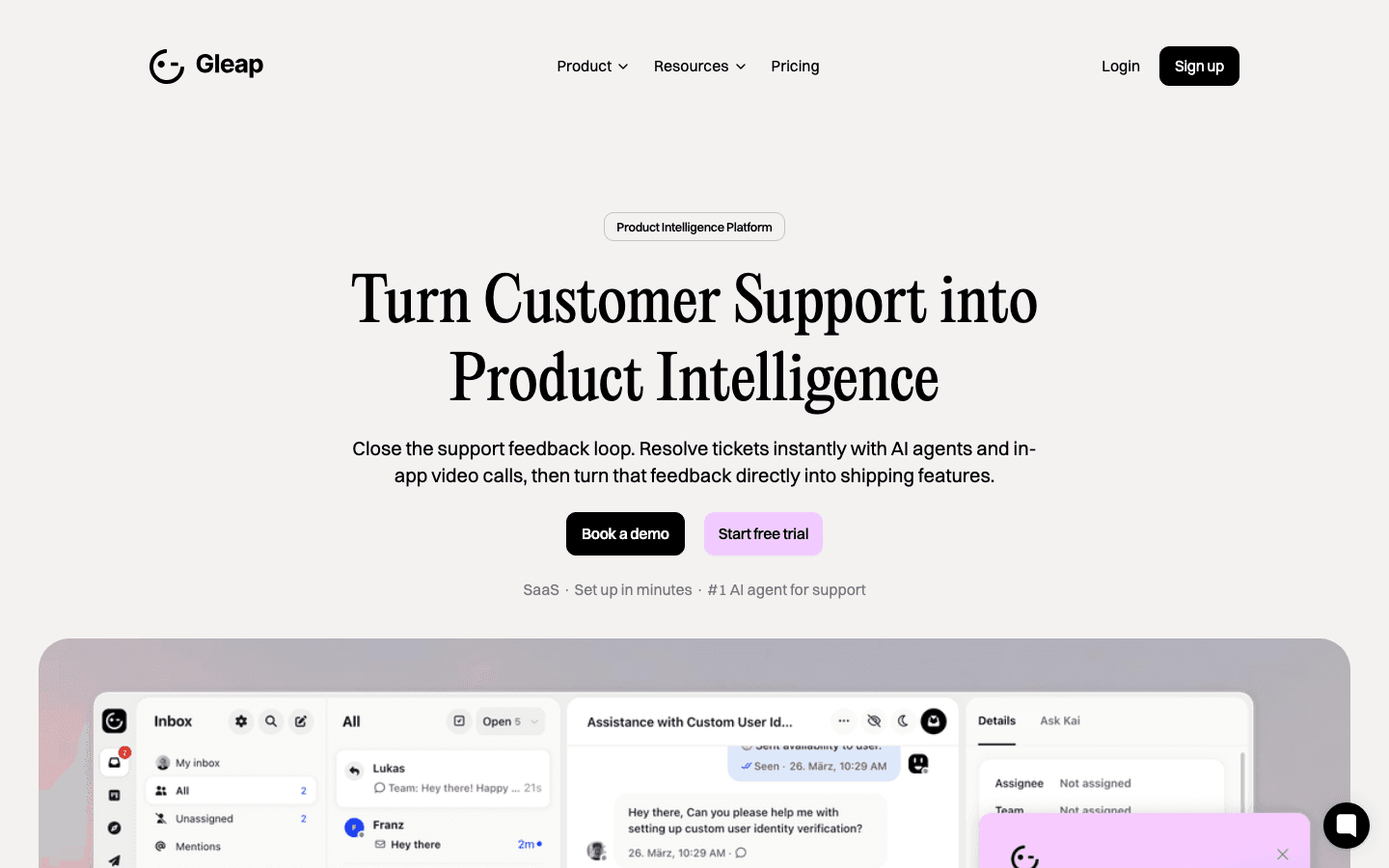
Gleap started as a bug reporting tool and expanded aggressively into customer support. Today it bundles visual bug reporting, an AI support bot (Kai, powered by GPT-4), live chat, a public product roadmap, release notes, knowledge base, and marketing automation - all delivered through a single widget that installs in one line of code. It is the closest thing on this list to an Intercom alternative that also does bug reporting, which is either exactly what you need or a sign you're paying for a lot you won't use.
The mobile SDKs for iOS and Android are native and actively maintained. Gleap markets itself as an alternative to Instabug, which previously owned the mobile in-app bug reporting space. The AI bot can deflect support tickets automatically, which is where teams running high support volume start to see meaningful ROI. Bug reports include automatic console logs, network request logs, and custom metadata attached to the user record. The 14-day free trial covers all Team features.
For QA engineers: The bug reporting module works well on its own. You get visual annotations, session replay, and technical metadata. The widget is customizable enough for branded QA flows. Where Gleap beats simpler tools is in identifying the user behind a report - their account data, plan tier, and prior support history are all visible alongside the bug.
For developers: The Jira integration and custom bot workflows let you route different bug types to different queues automatically. Critical errors can page your on-call engineer directly without manual triage.
For PMs and EMs: The Team plan at $149/mo (or $119/mo annually) is a reasonable price if you're getting bug reporting plus live support chat in one tool. But if you already have an Intercom contract, the overlap is significant. The Hobby plan at $39/mo is limited enough that most teams hit the ceiling quickly. The AI token pricing ($0.02 per Kai response) adds unpredictability to the monthly bill for high-volume support operations.
You're building a SaaS product and want to consolidate bug reporting, user support, and product roadmap into a single tool rather than buying three separate products. The mobile SDK coverage is a genuine advantage if you have native apps.
You already have a support tool like Intercom or Zendesk and just need bug reporting. You'll pay for Gleap's full platform but only use a fraction of it.
 RequestlyTier 2-34.6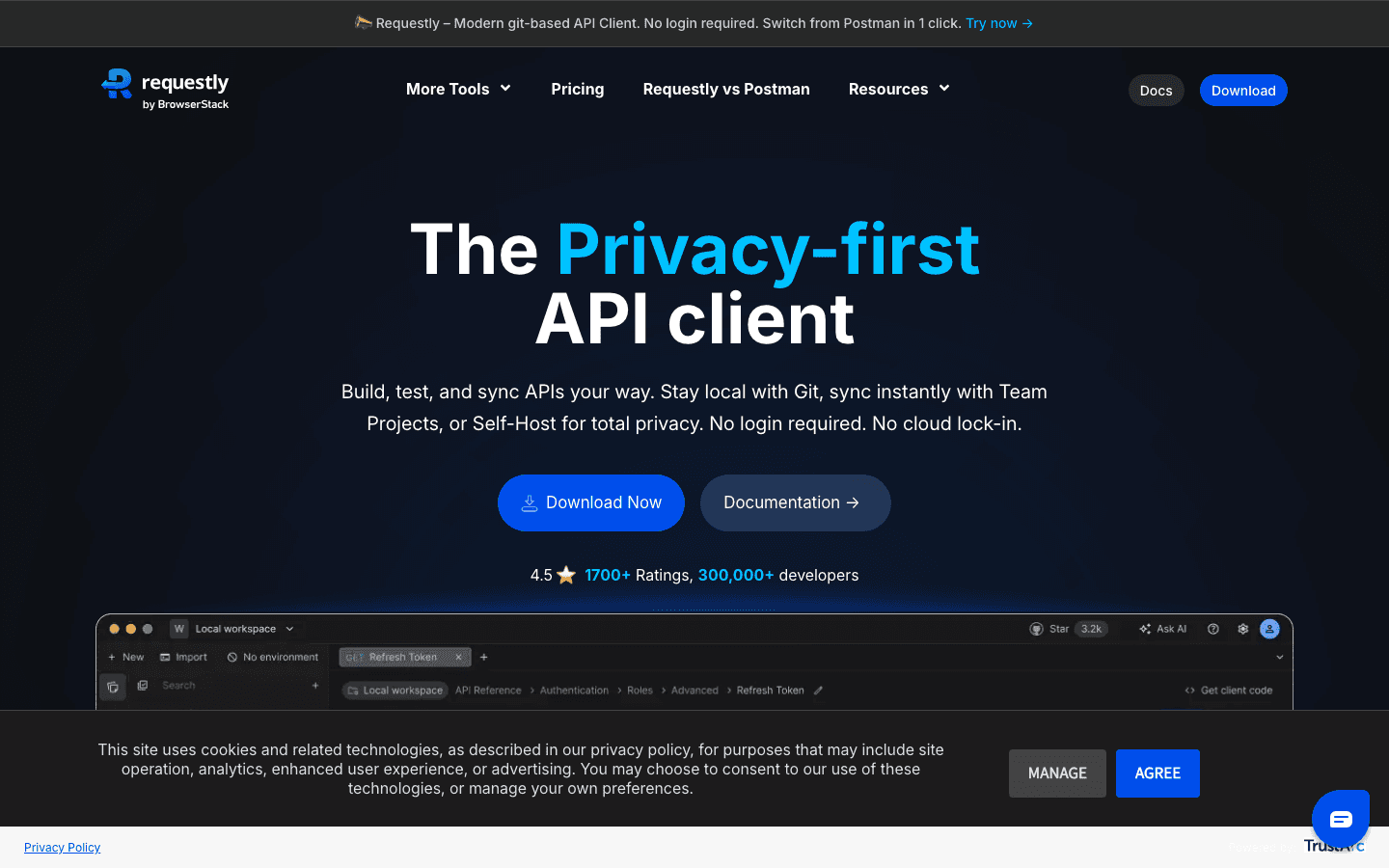
Requestly is not a bug reporting tool in the way Marker.io or Jam.dev are. It is a developer debugging toolkit - HTTP interceptor, API client, network mock engine, and session recorder - that happens to include a feature called Session Book that serves as a lightweight bug report format. The distinction matters. You use Requestly to debug and understand a bug yourself, not to collect reports from users or clients.
The HTTP interceptor is where 300,000 developers have found the tool valuable. You can redirect URLs to point at your local dev server, modify API responses in real time, inject JavaScript into any page, and block requests - all from a Chrome extension or desktop app without touching any code. The Session Book records a network log, console output, screen video, and device info together into a shareable link. That link is what you send a teammate instead of writing a Slack message describing what you saw. It acquired BrowserStack Session Replay functionality when BrowserStack acquired Requestly. The API client stores collections as plain JSON files locally, integrates with Git, and requires no login for basic use.
For QA engineers: The network intercept capability is powerful for testing edge cases. You can modify any API response to simulate error states, empty states, or slow responses without waiting for backend changes. That turns "I can't test this because the API doesn't return that error in staging" into a five-minute setup.
For developers: The combination of network interception and session recording covers the "what was the app doing" side of debugging comprehensively. The API client replaces Postman for many workflows with the added benefit of no cloud storage requirement for sensitive API collections.
For PMs and EMs: Free for up to 10 collaborators with 3 team projects. The Pro plan at $12/user/month ($9 annually) unlocks unlimited projects, AI-powered testing, and SOC 2 compliance. The tool is genuinely free at useful scale, which is rare. The ceiling is that non-technical stakeholders can't use it - this is a developer-first product.
Your frontend engineers spend significant time debugging network issues, testing against APIs in staging, or reproducing bugs that depend on specific response conditions. The network intercept capability solves problems no other tool on this list addresses.
You need to collect bug reports from users, clients, or non-technical teammates. Requestly is a debugging tool for developers, not a feedback collection platform.
 LogRocketTier 2-34.5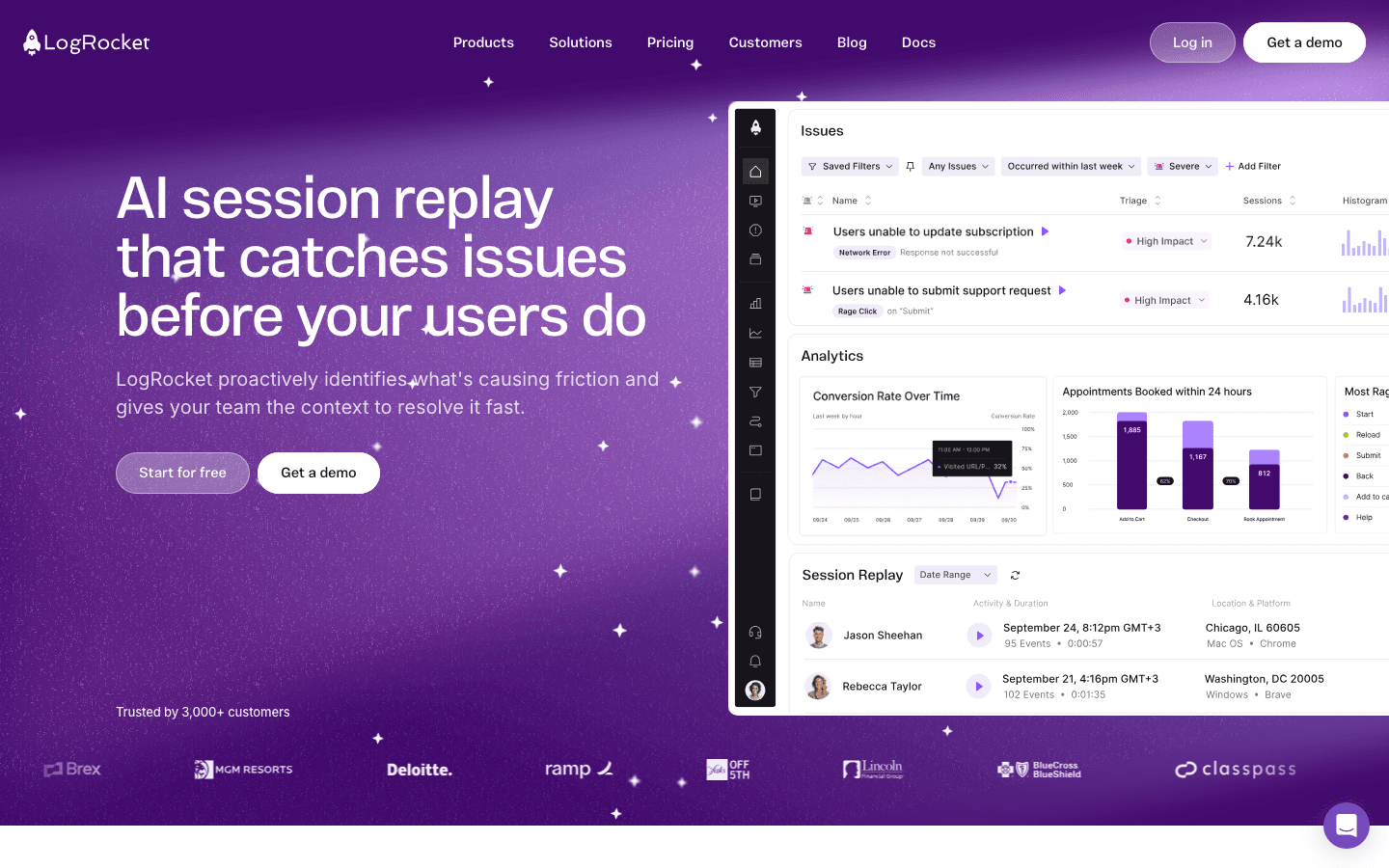
LogRocket doesn't ask users to file reports. It watches everything automatically. Every user session is recorded with pixel-perfect DOM replay, console logs, network requests, JavaScript errors, performance data, and rage clicks - all captured passively and indexed for search. When something breaks, you find the session, click play, and watch. No report needed. No reproduction steps required. The bug is right there in the timeline.
Galileo AI is the headline feature on paid plans. It watches sessions in aggregate, identifies patterns of user struggle, and surfaces issues you didn't know to look for - dead clicks, broken form flows, error spikes correlated with specific user segments. It's the difference between a debugging tool and an observability platform. The native mobile SDKs for iOS and Android bring the same session replay and error tracking to native apps, not just web. LogRocket processes every event automatically with no custom tagging required.
The free tier gives you 1,000 sessions per month with 1 month data retention - enough to see what the product does, not enough for a real production monitoring setup. The Team plan starts at $69/mo for 10,000-50,000 sessions with monthly billing; Professional at $295/mo adds Galileo AI, product analytics, and annual commitment.
For QA engineers: LogRocket inverts the bug reporting workflow. Instead of asking users to file reports, you search for sessions matching the conditions of a bug - specific error message, specific page, specific user segment. That search-first debugging is faster when you know what you're looking for but changes nothing about your existing QA ticketing workflow.
For developers: The session replay in context with network logs and stack traces is the fastest path from "user reports a bug" to "here is the exact code path that failed." The MCP integration on the Professional plan means session context can flow directly into AI coding environments.
For PMs and EMs: The Professional plan at $295/mo justifies itself for teams where engineering productivity is measurably impacted by slow reproduction cycles. But $295/mo with an annual commitment is a budget conversation. The session-based pricing means costs scale with traffic, which can be painful for high-traffic products.
Your engineering team loses hours each sprint reproducing bugs from vague user reports, and you want passive monitoring that makes every session debuggable without asking users to do anything.
You have a small user base or a low-traffic product. The session volume caps on cheap plans hit quickly, and the per-session cost model becomes expensive at scale.
 SentryTier 2-34.6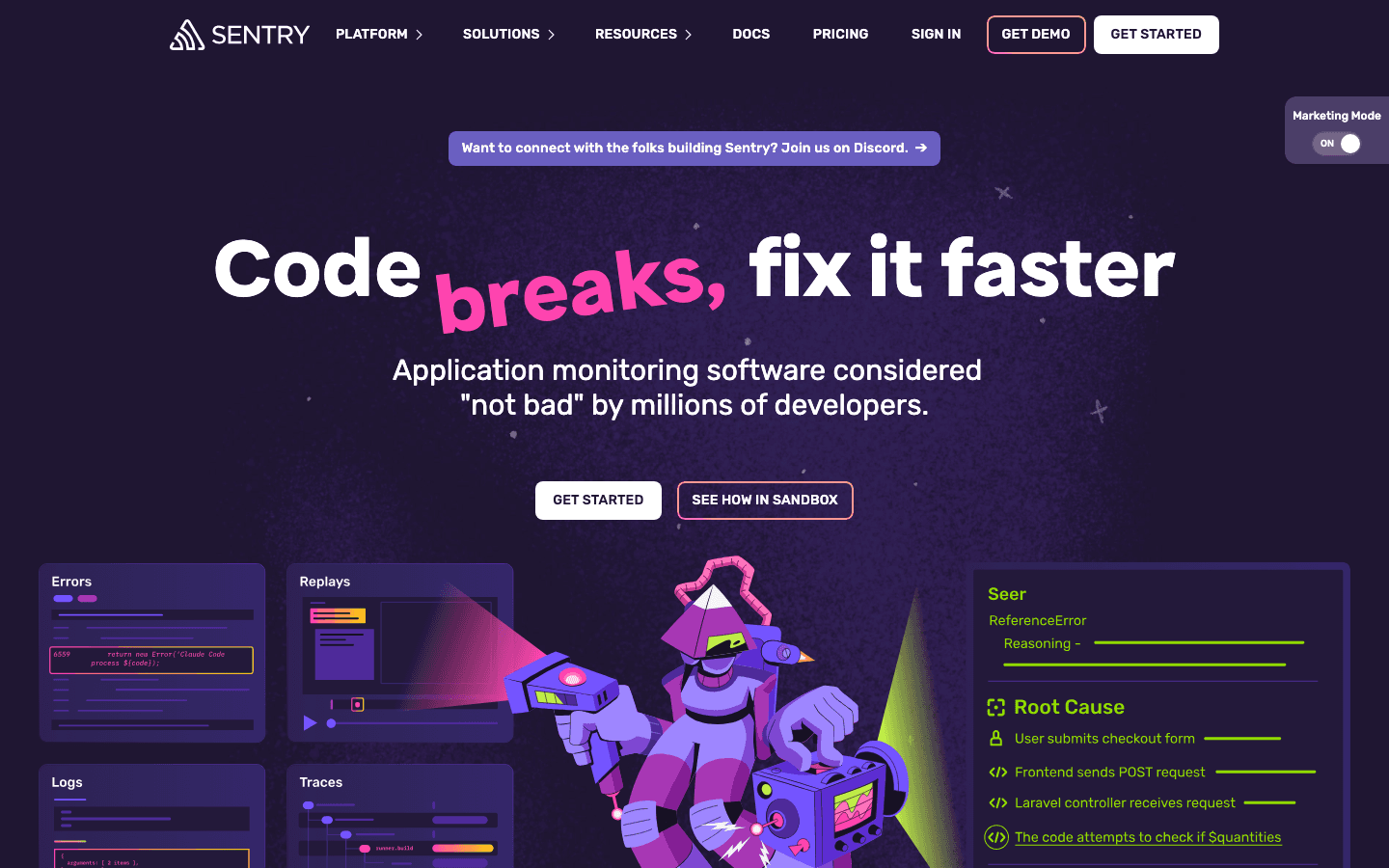
Sentry is where errors go to die. Not in a bad way - in the sense that it catches them automatically, gives them a stack trace, groups duplicates, assigns owners, and creates a ticket before anyone has to file a report. It supports 100+ languages and frameworks, has official SDKs for iOS, Android, React Native, and every server-side runtime, and is trusted by GitHub, Disney, Atlassian, and Cloudflare. If your application throws an error and you don't have Sentry, that error probably disappears.
The session replay feature sits inside Sentry rather than being the center of it. It's useful for understanding the user interaction that preceded a JavaScript error, but it's not Sentry's main value. The main value is automated error detection and triage. Seer, Sentry's AI layer, generates issue descriptions, assigns severity scores, and recommends which issues to fix first based on impact on users. The open source self-hosted option means some teams run Sentry on-prem for compliance reasons. Distributed tracing gives you the full chain of an error across microservices, which no feedback-collection tool on this list can touch.
For QA engineers: Sentry doesn't replace manual testing or user feedback collection - it catches what slips through. Running Sentry alongside a tool like PlayLog or Jam gives you automated error detection and human-reported reproduction context together.
For developers: Sentry's commit integration identifies which code change introduced an error and can notify the author directly. That suspect commit workflow alone saves time across an entire engineering organization.
For PMs and EMs: The free Developer plan covers one user with 5,000 errors/month. The Team plan at $26/mo handles unlimited users with 50,000 errors, which is where most growing teams should start. The pricing is event-based, so costs scale with error volume rather than seats - a fundamentally different model from most tools on this list.
Every production application your team ships. Sentry is table stakes for error monitoring in 2026, regardless of what other tools you use for user feedback or session replay.
You want to collect structured user feedback or capture visual reproduction steps. Sentry catches errors automatically but doesn't capture what the user was trying to do when the error occurred. Pair it with a tool that does.
#The tool that fits 2026
Most tools on this list were designed for a world where developers manually combed through logs and wrote reproduction steps by hand. That world still exists. But a growing number of teams now debug with AI - they paste context into Cursor or Claude, review a suggested fix, and ship.
For those teams, the question isn't just "which tool captures the most data?" It's "which tool outputs something an AI can actually use?"
Every tool here captures data. Only one hands you the fix prompt.